Cobalt 8.1 - 20181029
734
Activate A Dynamic Stop Table
Intensity Dynamics can only be stopped by assigning a Stop Intensity Table. There is a STOP I
Dynamic in the Effect Library for this.
1. Select the channels
2. Assign the "STOP I" Effect (See Dynamics - Start
)
You can record this to the Preset in the A field of the Main Playback.When the Preset with this Stop
Table is activated, the Intensities will fade the size of the Dynamic Effect using the IN time of this
Preset.
Delete A Dynamic From Running Dynamics
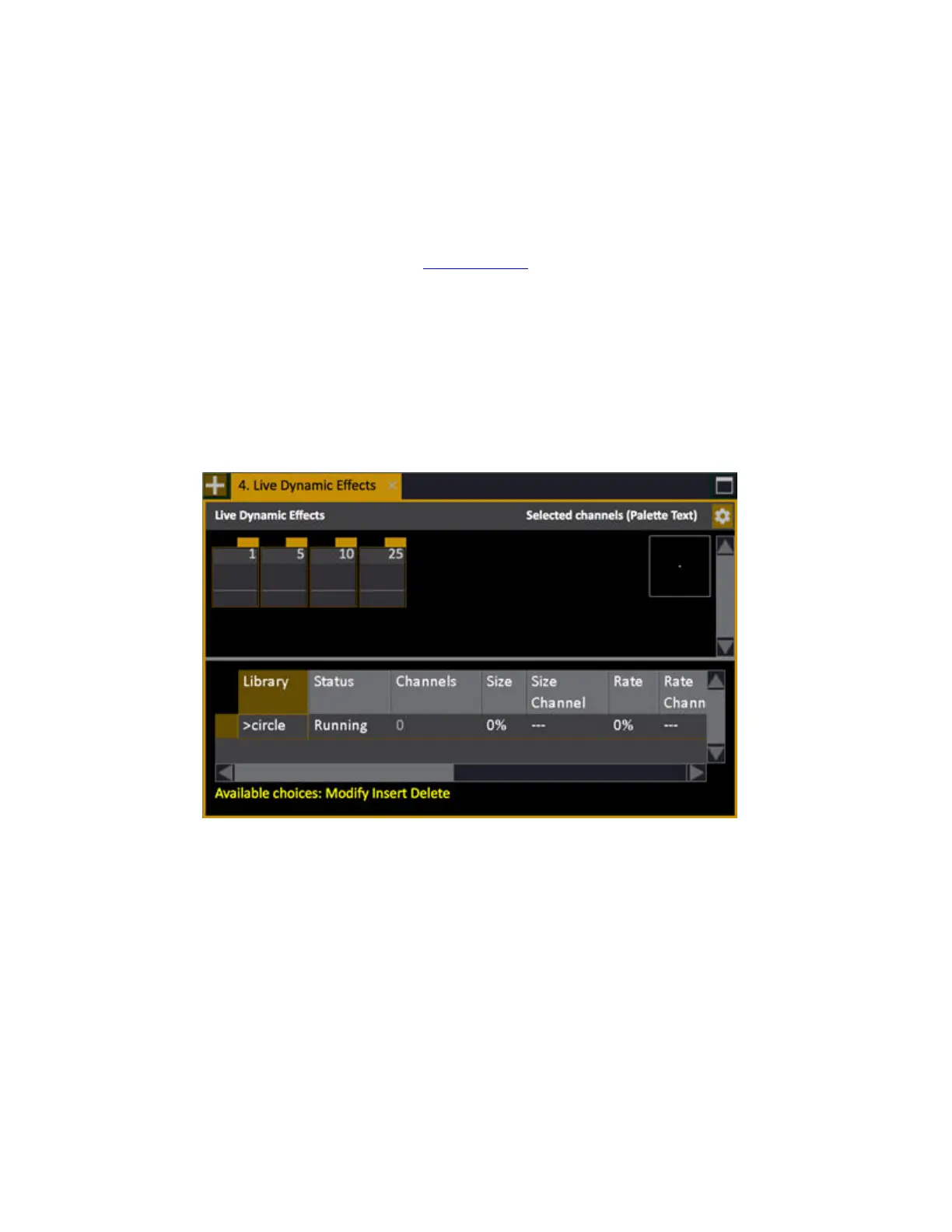
1. Open the Live Dynamic Effects Tab from the Browser.
2. Select a Dynamic effect with the arrow keys
3. Press DELETE to stop (a popup will ask for confirmation)



 To Next Page