Cobalt 8.1 - 20181029
617
Device Recording - Delete
You can delete device data from a Preset in the Preset editor, in the Organizer or in the Preset
Attribute editor.
See Device Views - Editing
.
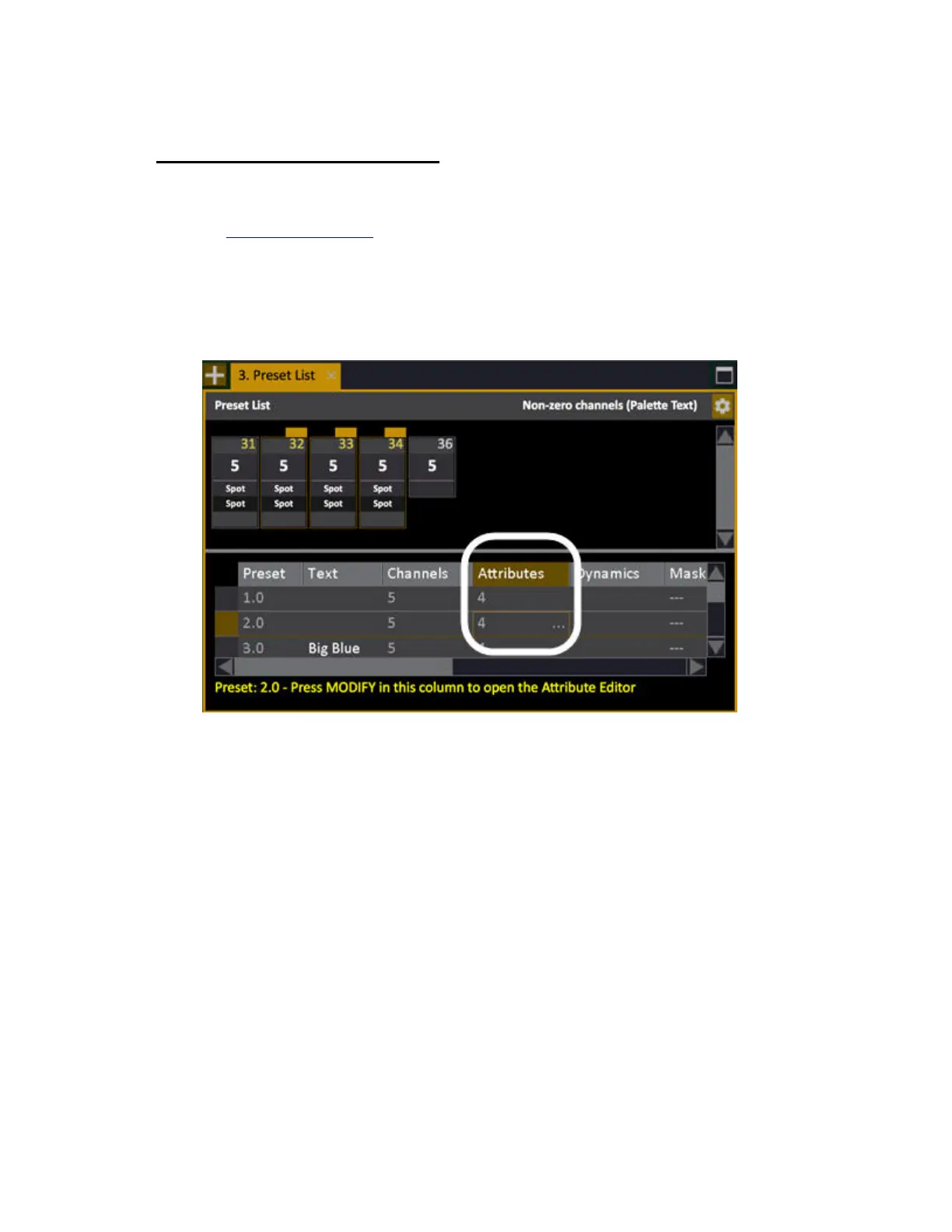
1. Open the Preset List for the Preset.
• Enter the number of the Preset, hold MODIFY and press PRESET
• OR open the List from the Browser (Browser >Main Show Data >Presets)
2. Select the Attributes column.
3. Select the channels you wish to delete. If no channels are selected, attributes for all channels will
be deleted.



 To Next Page