Cobalt 8.1 - 20181029
530
Channel Database
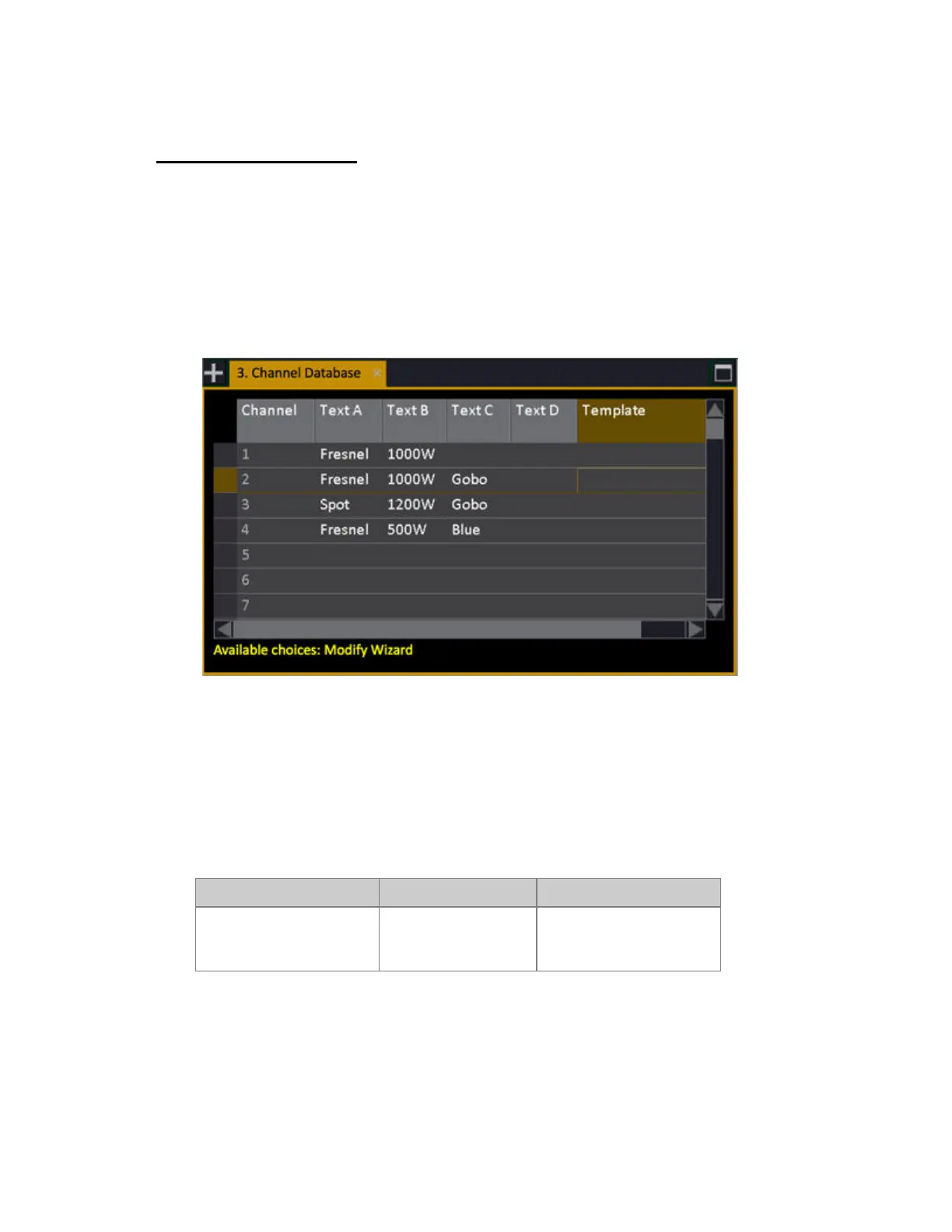
You can give each channel up to four text labels (ABCD). From these texts "auto-groups" are
automatically created. The auto-groups are available from the Direct Selects.
Any moving device that is patched will automatically show up on the Name List as well, which allows
you to select all "Stage Zooms" or "Scrollers" without creating any groups in advance.
The Channel Database is opened from the Browser (Browser >Channels >Settings & Tools >Channel
Database).
Set Channel Texts For The Database
There are three ways of setting text to channels in the Channel Database (Browser >Patching
>Channel Database).
Method 1
In the Channel Database cells directly
Action Key Feedback
Set a text in a cell(s) Select any cell(s) in the
ABCD columns
Press MODIFY, enter a
text and press MODIFY
again to confirm.



 To Next Page