Cobalt 8.1 - 20181029
531
Method 2
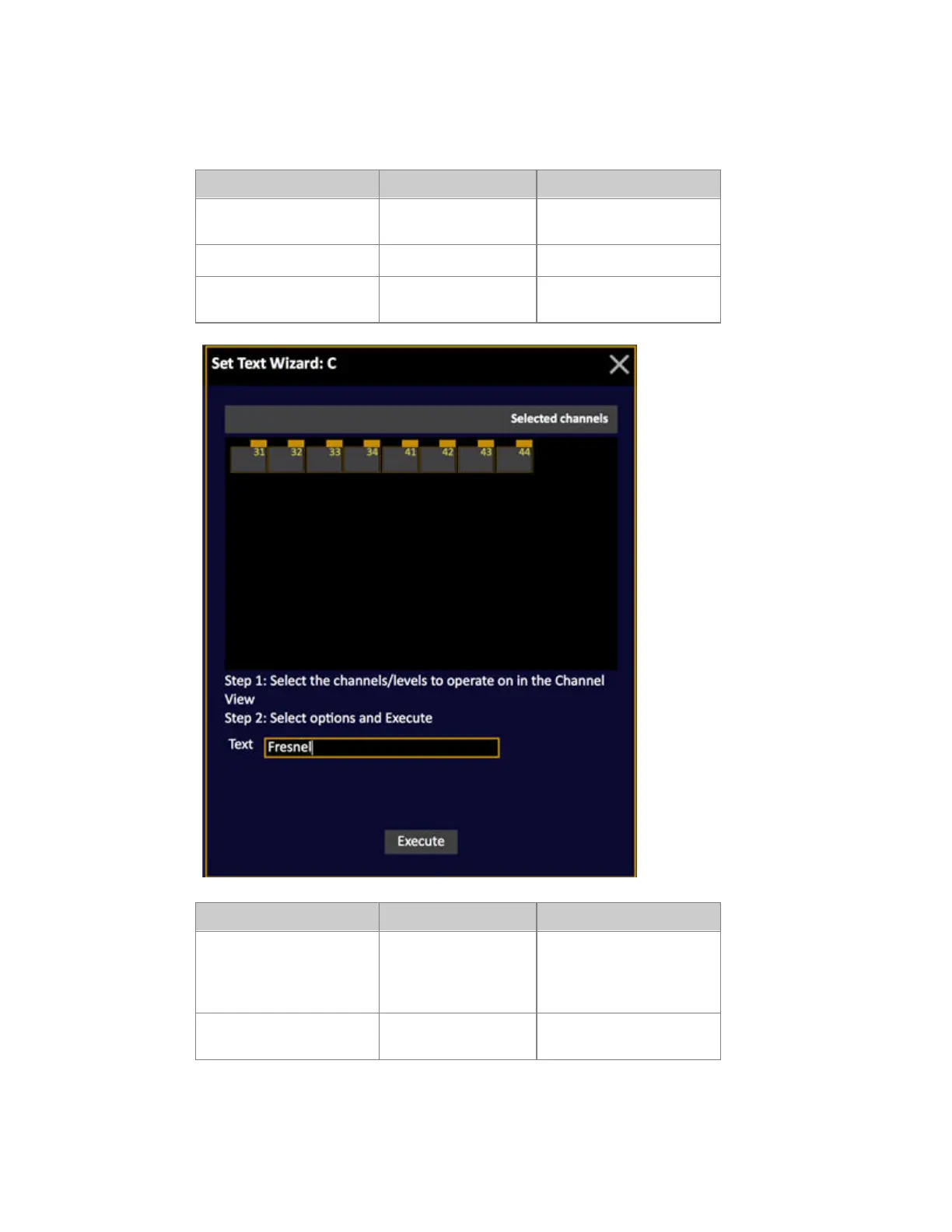
In the Channel Database with a Wizard
Action Key Feedback
1. Select text column Select any cell(s) in the
ABCD columns
Cell is highlighted
2. Open the Wizard
[WIZARD]
Text Wizard is opened
3. Select channels Channel functions Channels appear in Text
Wizard
Action Key Feedback
4. Enter Text Text cell Select text cell, Press
MODIFY, enter a text and
press MODIFY again to
confirm.
5. Confirm Execute button Select Execute, Press
MODIFY to confirm.



 To Next Page