Cobalt 8.1 - 20181029
89
• Color
• Beam
• U1, U2, U3
Virtual control
• Color Mixing tab
• Gel Picker
NOTE
When more than one device is selected, all parameters are displayed for all
selected devices. You can use Next/Last to access individual parameters
within the current selection.
(See Channels - Next & Last Mode)
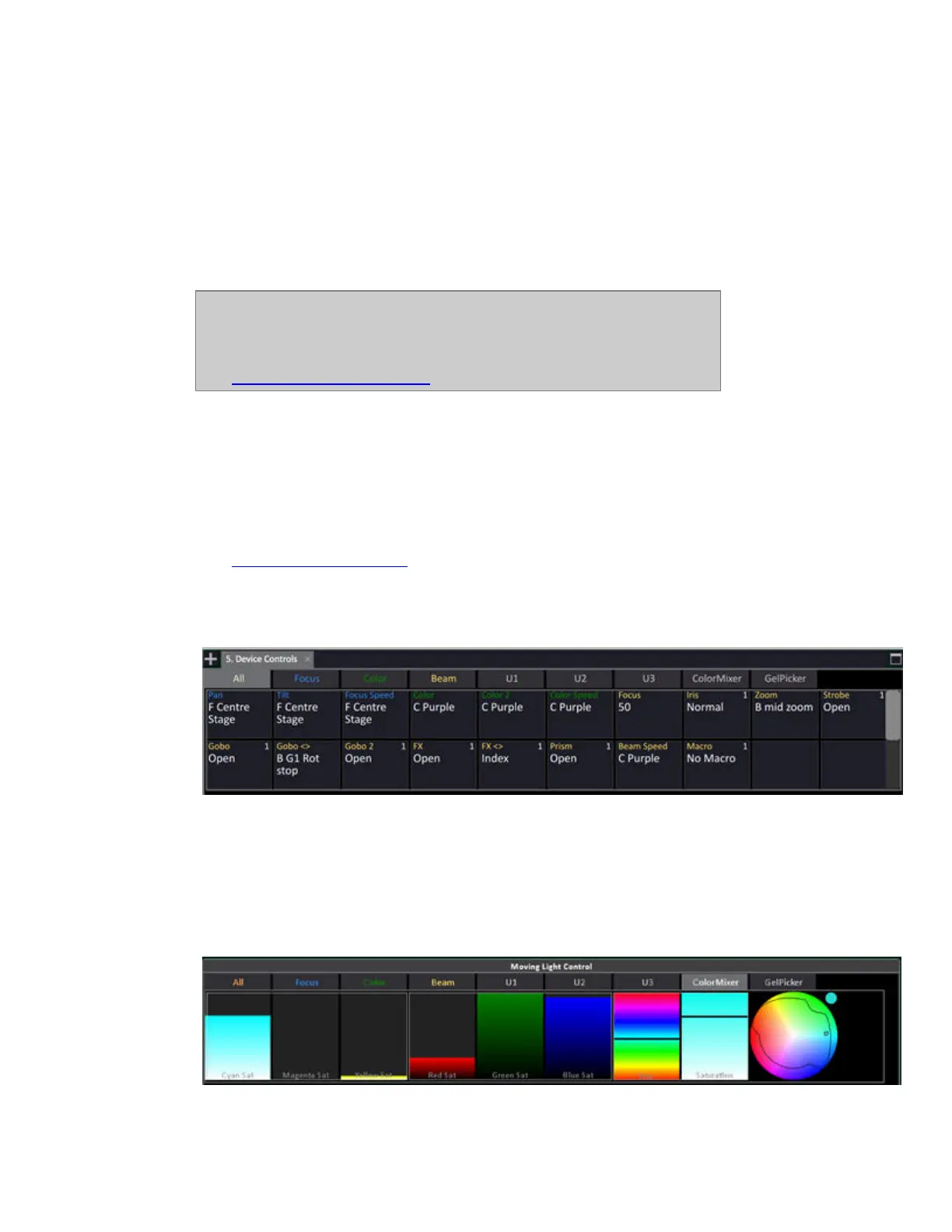
Parameters tabs: All, Focus, Color, Beam, U1, U2, U3
The F/C/B and U1-U3 tabs mimic the mapping of the physical encoders on Cobalt consoles, but can
display all of the parameters in a category on one screen simultaneously. The F/C/B tabs display
parameters assigned to each of those categories and the U1-U3 pages show parameters in a user
defined order.
(See Device Control - U1-U2-U3
)
The All tab shows all the raw parameters of the selected device(s) or effect playbacks in one screen
simultaneously, grouped by parameter category.
Virtual controls tabs: ColorMixer and GelPicker
The Color Mixer tab includes controls that are routed through a generic Hue-Saturation color space so
that devices with differing color mixing systems can be controlled simultaneously, or so that fixtures
with color systems including more than RGB or CMY can be controlled more easily.



 To Next Page