Cobalt 8.1 - 20181029
1063
Example: Using a Beat Boss for a chase effect
This is an example of the workflow for using a Beat Boss for a simple chase effect. Start by building a
simple chase effect from the current channel selection. See Build a chase effect
.
1. If you have just built a chase effect in the example link above, it is selected, otherwise select
it
# EFFECT
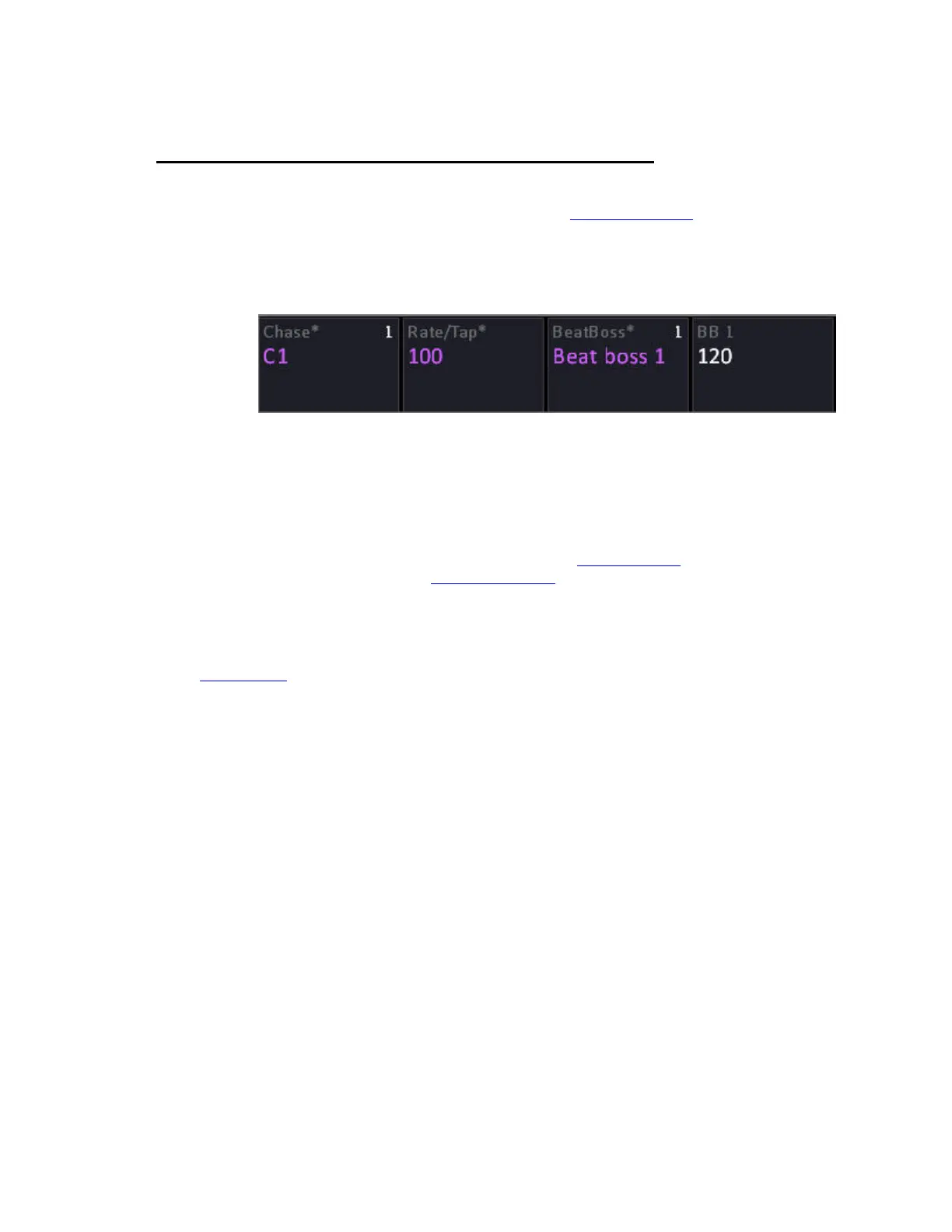
2. In the Device Controls tab, click on Beat Boss and select Beat Boss 1
3. Start the effect by bringing the level to full
The chase effect should now be running in live.
You have the options of changing the Rate/Tap for this chase, or changing the Beat Boss that will
scale through the local Rate/Tap.
You can control the Beat Boss from the Beat Boss Tab (See Tab - Beat Boss
) or by setting up a
master to control the Beat Boss (See Masters - Beat Boss
).
With a single chase effect there is no great advantage to this, but if you have several chase effects and
you wish them to follow a central rate the Beat Boss will allow you to control them at once.
Quit Example



 To Next Page