Cobalt 8.1 - 20181029
354
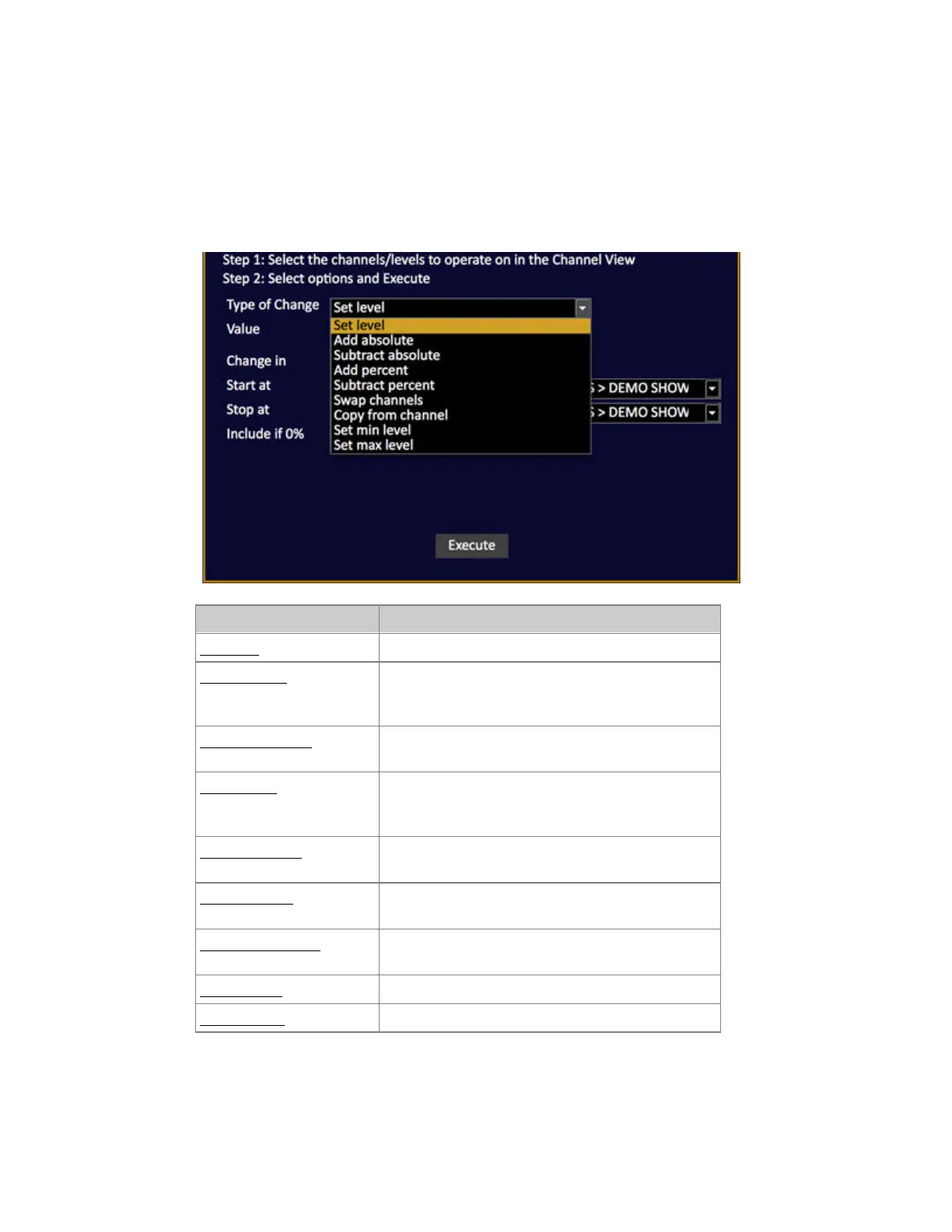
Channel Editor Wizard - Type Of Change
You can perform the following actions through any range of Presets.
The parameter "Include All Channels" will affect channels with no level (0%) as well, and is
necessary in some cases.
Function Explanation
Set Level Set level #
Add Absolute Adds # points to the current channel(s) intensity
level - adding with a value of 5, 50% becomes 55%,
80% becomes 85%.
Subtract Absolute Subtract # points from the current channel(s)
intensity level.
Add percent Adds a % of the current channel(s) intensity level -
adding with a value of 10, 50% becomes 55%, 80%
becomes 88%.
Subtract percent Subtracts a % from the current channel(s) intensity
level.
Swap channels Change levels between the selected channel and the
channel # in Argument.
Copy from channel Copy all levels from channel value # to the selected
channel(s).
Set min level Sets a minimum level HTP with the current levels.
Set max level Sets a maximum level to the current levels.



 To Next Page