Cobalt 8.1 - 20181029
578
In the case of a scroller, this is handled automatically by assigning the scroller to the dimmer
controlling the intensity of the fixture. In any other case, use a compund device template.
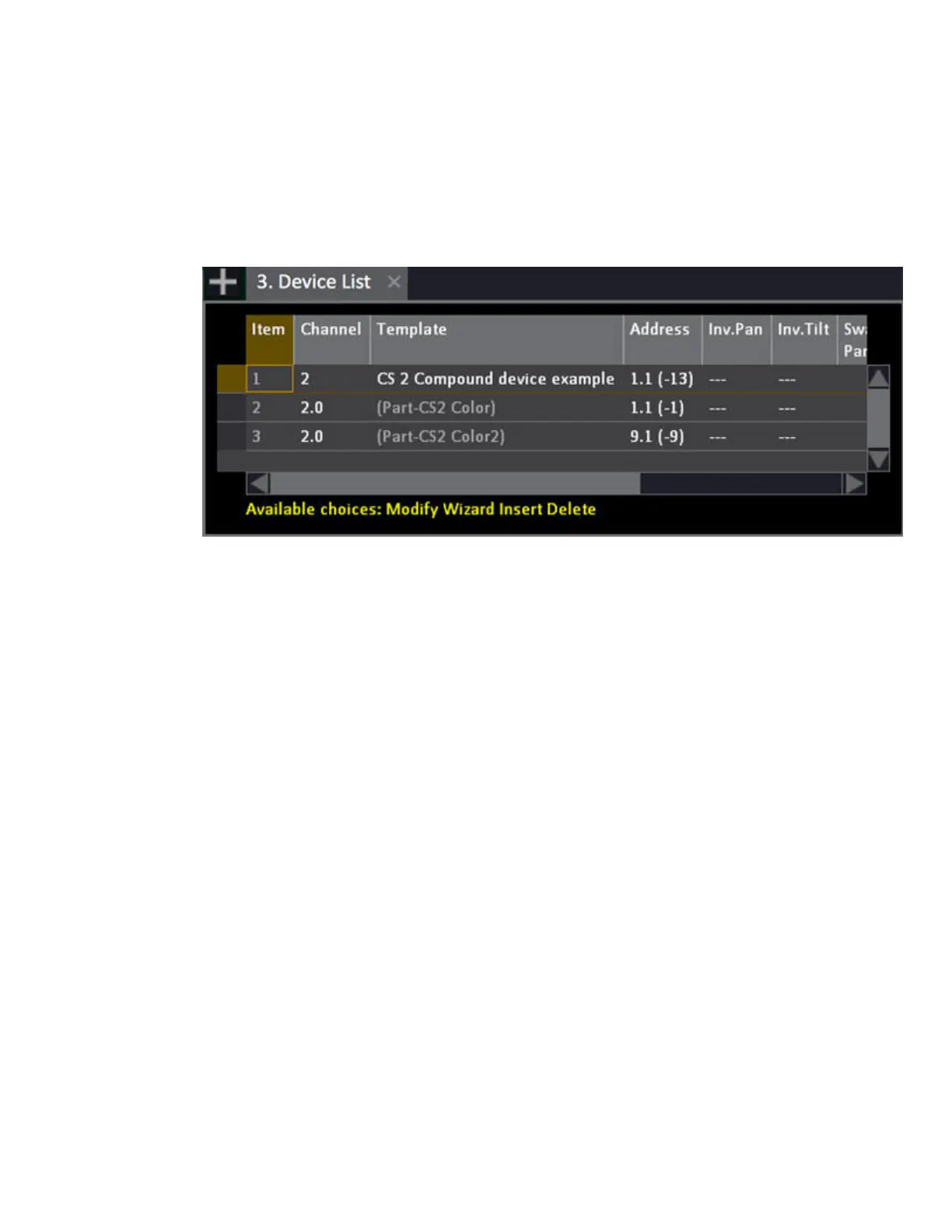
All parameters of all parts of a compound device will be shown as attributes when this device is
selected.
This is what the template for a compound device can look like
Devices - Media Servers (8.1)
Cobalt can download media names and thumbnails from Media Servers that support CITP/MSEX, eg
Arkaos and Hippotizer.
To use this
1. First patch the media server as normal.
2. To connect and download/update, type the channel number of the first layer, and press
modify on the media server in the Browser.
This download process will take some time, depending on how much media there is.
Each time you connect, the media names and thumbnails will be updated and stored in the media
server layer personality template in your showfile.
Cobalt assumes that all the media servers of a given type in a show have the same set of media.
If you have multiple media servers with different media, make a copy of the Layer template for each
server



 To Next Page