Cobalt 8.1 - 20181029
833
Masters - Magic Sheets (8.0)
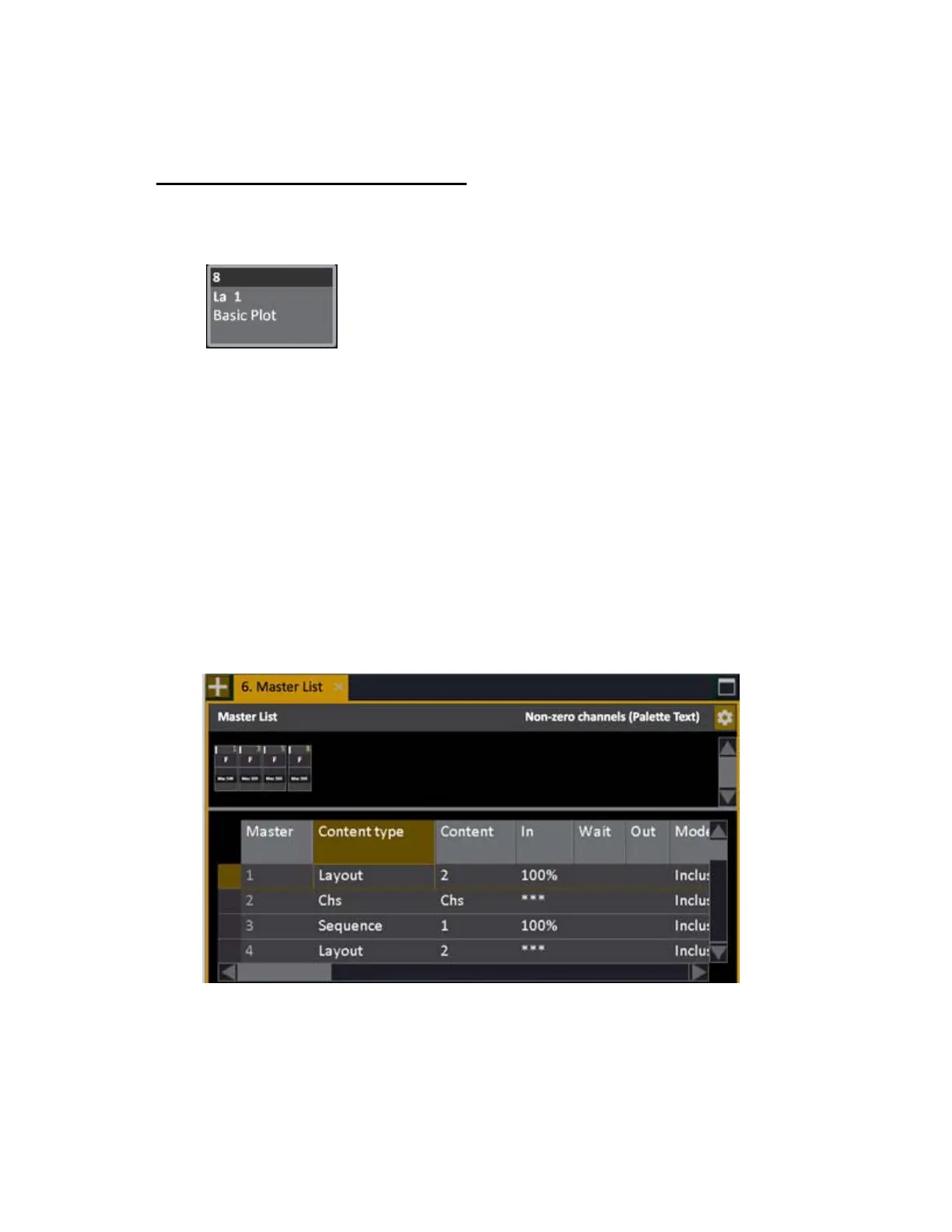
From the CONTENT column in the Master List (Browser) you can load a Magic Sheet to a Master to
be able to select it from the Master button.
You can load and activate Magic Sheets direct from master playbacks. These are temporary data
stored in the current Master Page. They are displayed with an "La" before the number in the master
displays.
Once a Magic Sheet is loaded to a master you can
• Use the master key to activate it for the currently selected channel view.
Load a Magic Sheet to a master
Magic Sheets can only be assigned from the Master List.
1. Open the master list (Browser >Masters >MasterList).
2. Set "Content Type" to "Layout"
3. Set "Content" to the number of the layout you wish to assign.



 To Next Page