Cobalt 8.1 - 20181029
992
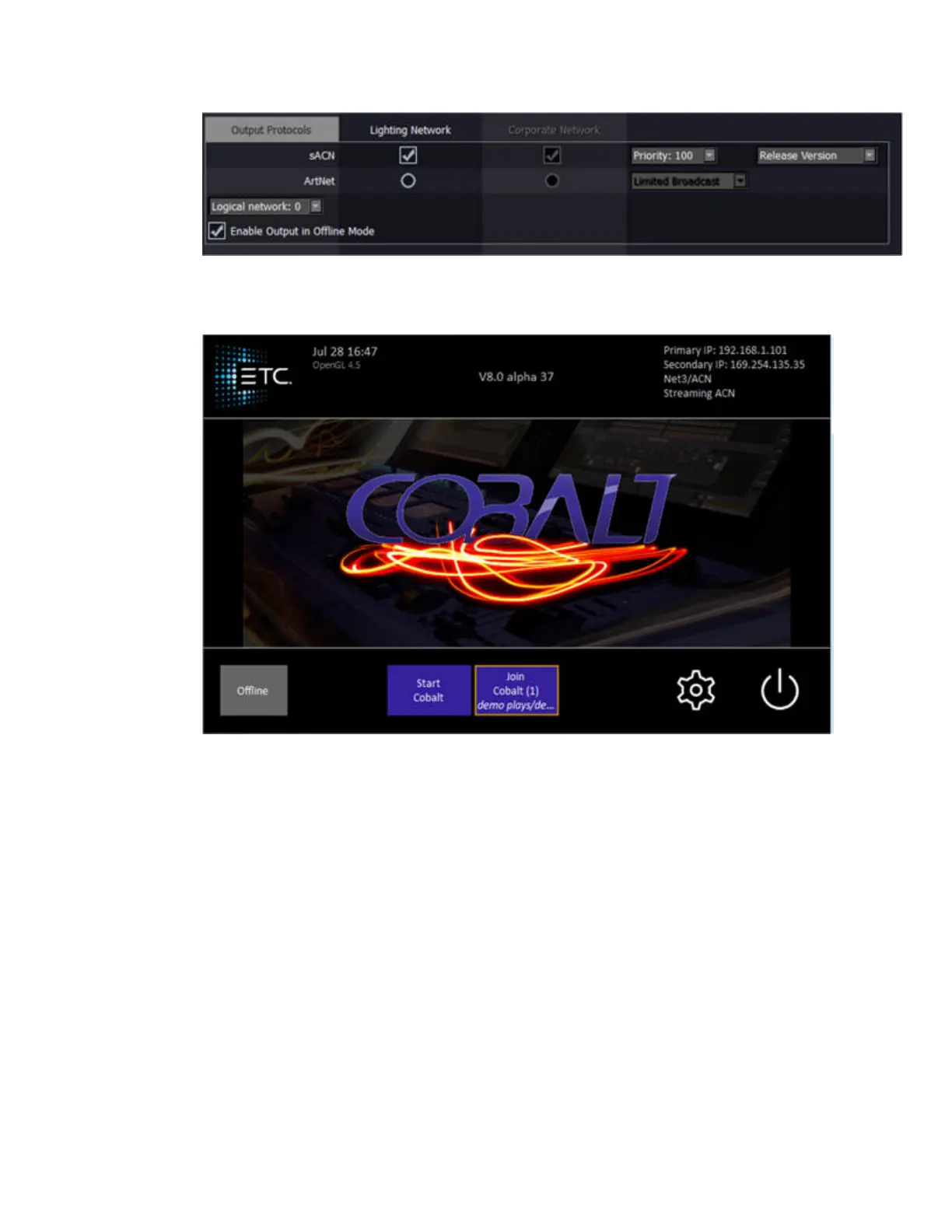
4. The enabled Ethernet protocol(s) and the IP address(es) are shown top-right of the Welcome
screen.
Visualization - WYSIWYG
WYSIWYG can receive Net2 (EDMX) levels via ethernet.
In the Options menu of Wysiwyg, select Application Options and then navigate to the ETC Interface
tab. Ensure that "Allow EDMX reception" is ticked, and that the ETCNet2 Version is set to V4. Note:
You must restart Wysiwyg after making this change. You also must be an Administrator on the
computer.



 To Next Page