Cobalt 8.1 - 20181029
520
Record if Active updates many presets, forwards, backwards or in both directions from the current
preset, until a different value or a block instruction is encountered.
3. Confirm.
NOTE
If you have RECORD set to ACTIVE the console will insert data where
required in previous and7or subsequent steps when this editing is used.
Track Editing - Unblock Attributes
If you have been recording all device parameters in every preset and wish to remove all redundant
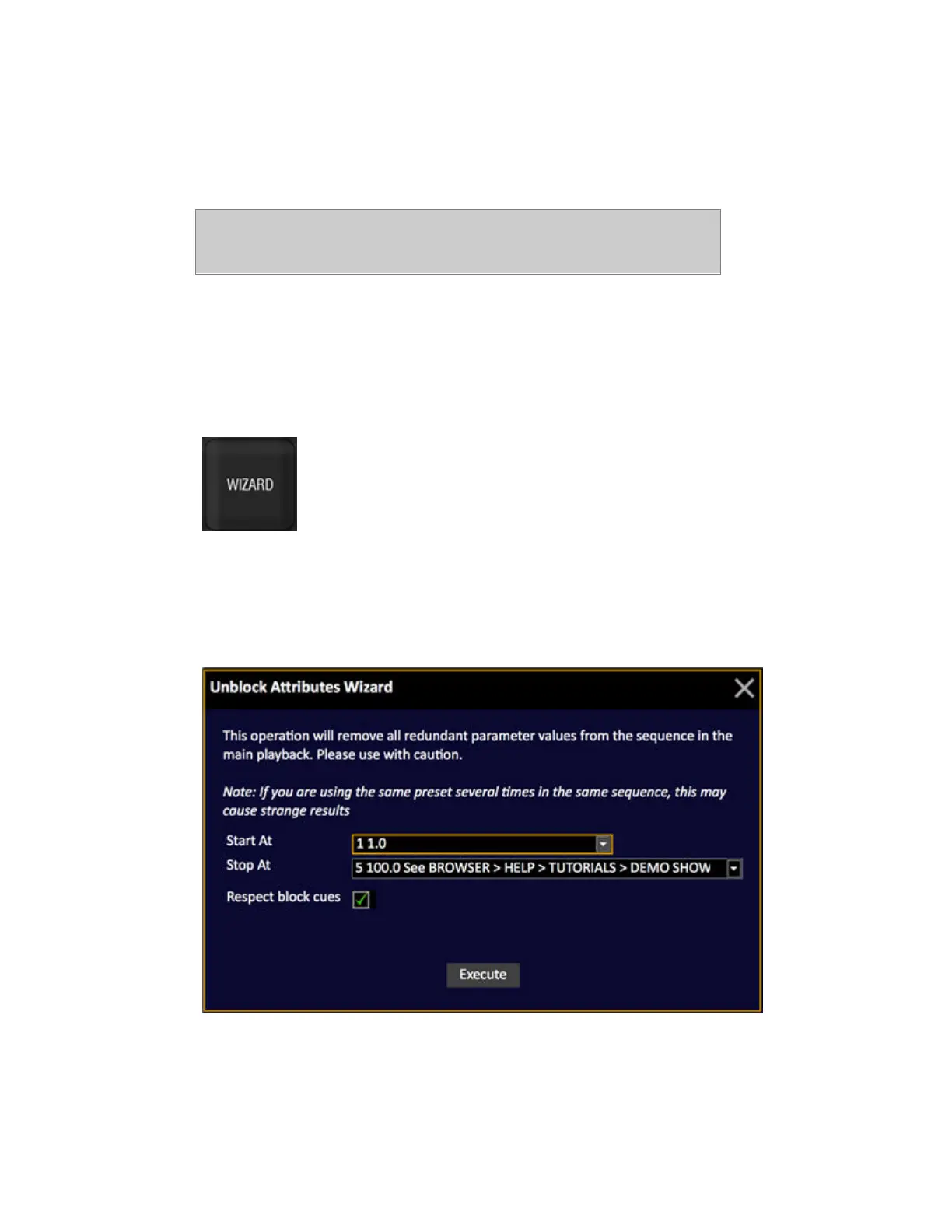
parameter values from the sequence in the main playback there is an Unblock function can be
accessed by pressing WIZARD in the Sequence List.
It will remove all duplicate parameter values for Devices in the sequence in the main playback. You
can select the start and stop step for this operation.
1. Open the Sequence List for Sequence # by entering # SEQ.
2. Press WIZARD to open the unblock Wizard.
3. Make your selection and confirm. All redundant parameters will be deleted.



 To Next Page