Cobalt 8.1 - 20181029
978
Remote Control - iRFR
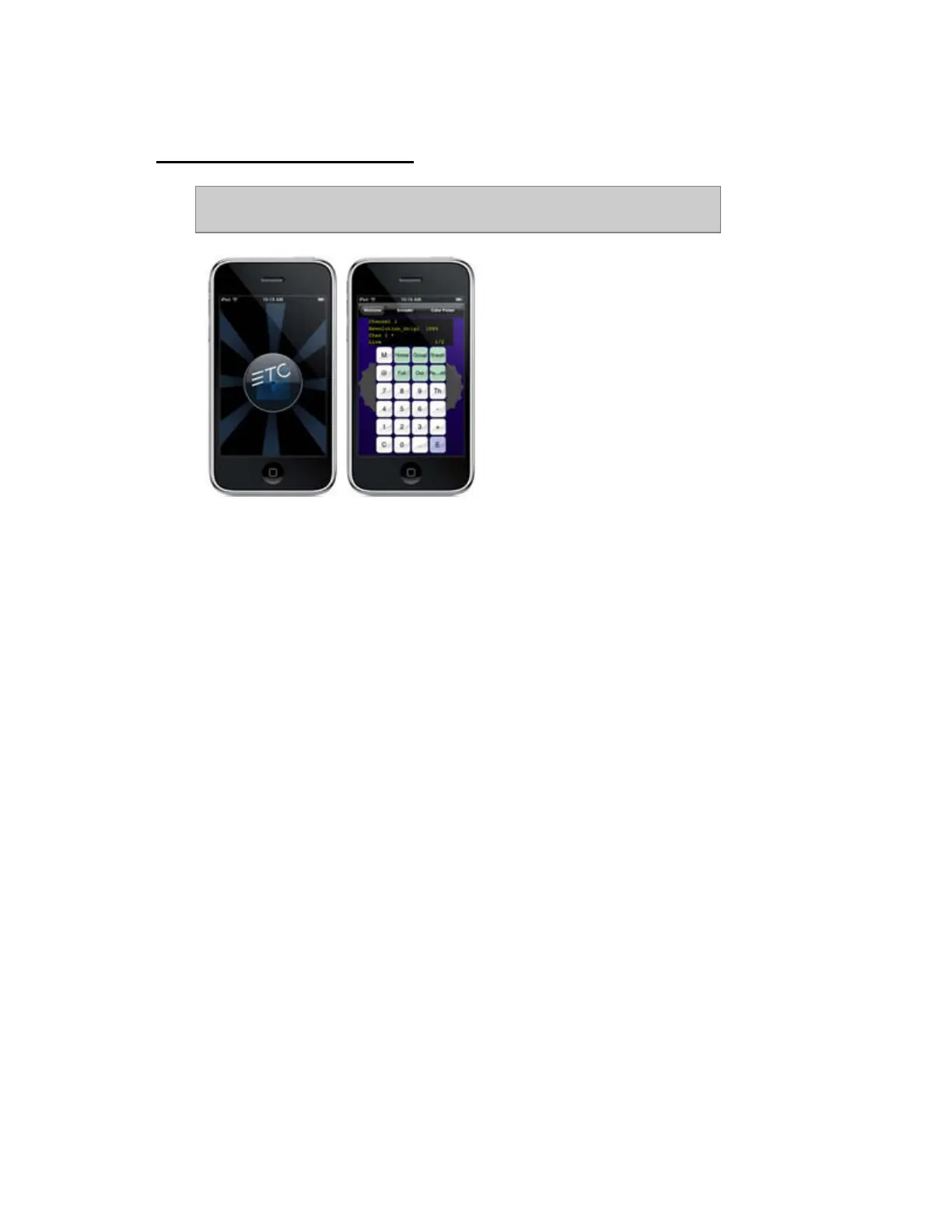
The iRFR Remote option allows you to use an iPhone or an iPod Touch with
a wireless network as a remote for Cobalt.
The iRFR works within its own field and this field can be cleared from the console. All channel
intensity levels generated by the remote can only be recorded into targets from the remote control
itself.
Requirements: iPhone or iPod touch and a wireless network.
More information online:
http://www.etcconnect.com/product.overview.aspx?ID=22011
Using the iRFR
This is how you launch the application. How to set up and configure the network is described below.
At the Welcome screen, select Virtual RFR.



 To Next Page