Cobalt 8.1 - 20181029
438
Notes Editor
A NOTE allows you to add a comment and a color code to any Sequence Step, Group, Preset or
Palette. All Notes are summarized in a list with a time and user stamp - and a direct link to the object
the Note is attached to.
• All Notes are tagged with a time stamp, and the user login of the operator.
• Notes are shown in the Playback View with Flags.
• The color of these flags can be set in the Notes Editor.
• In the Notes Editor, it is possible to edit, delete and change color code for Notes.
Notes - Create
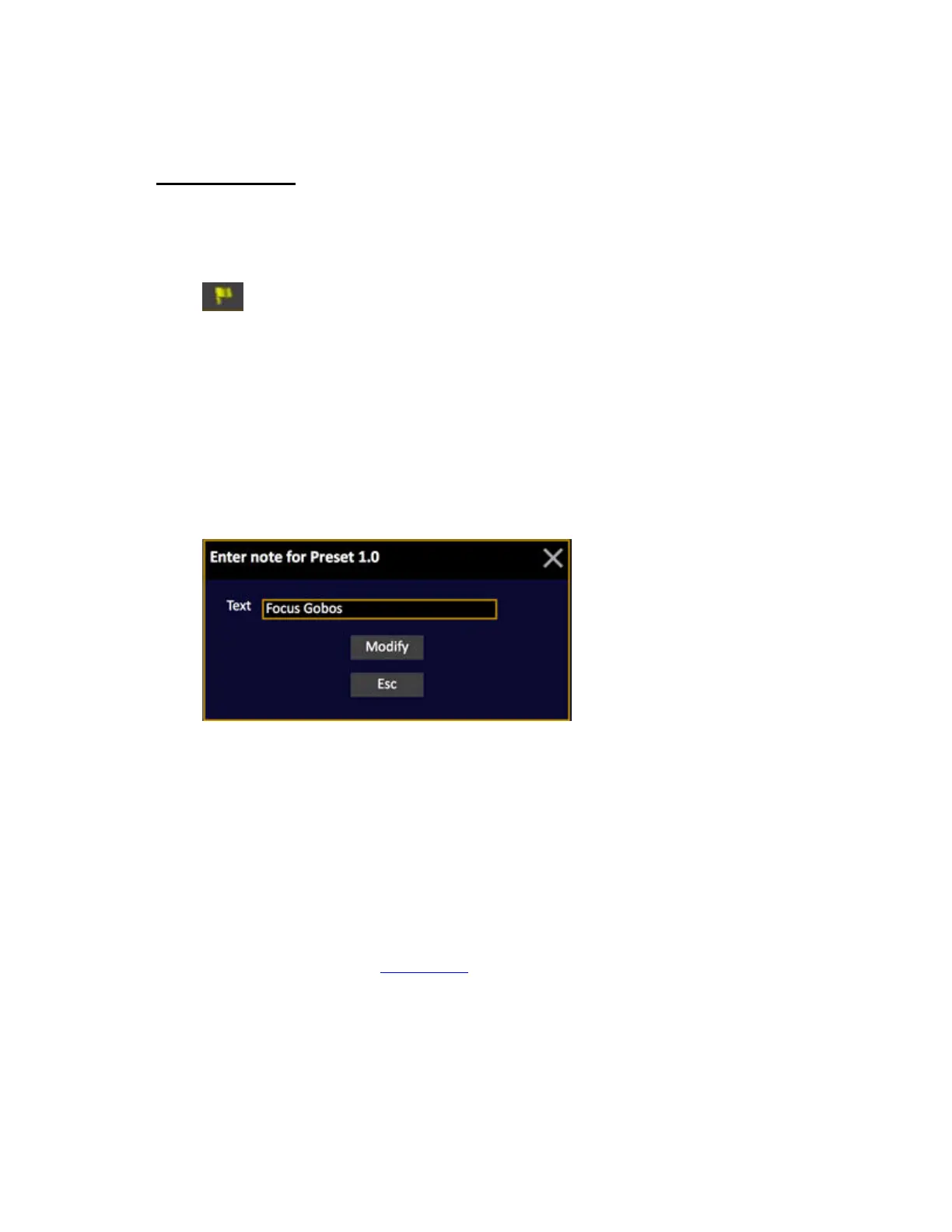
Pressing NOTE (for example in the Preset List) will produce the following popup
Notes are created in the following lists by pressing NOTE.
• Playback view
• Sequence List
• Preset List
• Group List
• Focus Palette List
• Color Palette List
• Beam Palette List
• All Palette List
Press MODIFY to save. See Notes - Editor
.



 To Next Page