Cobalt 8.1 - 20181029
244
Change User
User Login is activated from the command Change User in the Browser. If no User has been logged
in, the Default User will be logged in when a Play is opened.
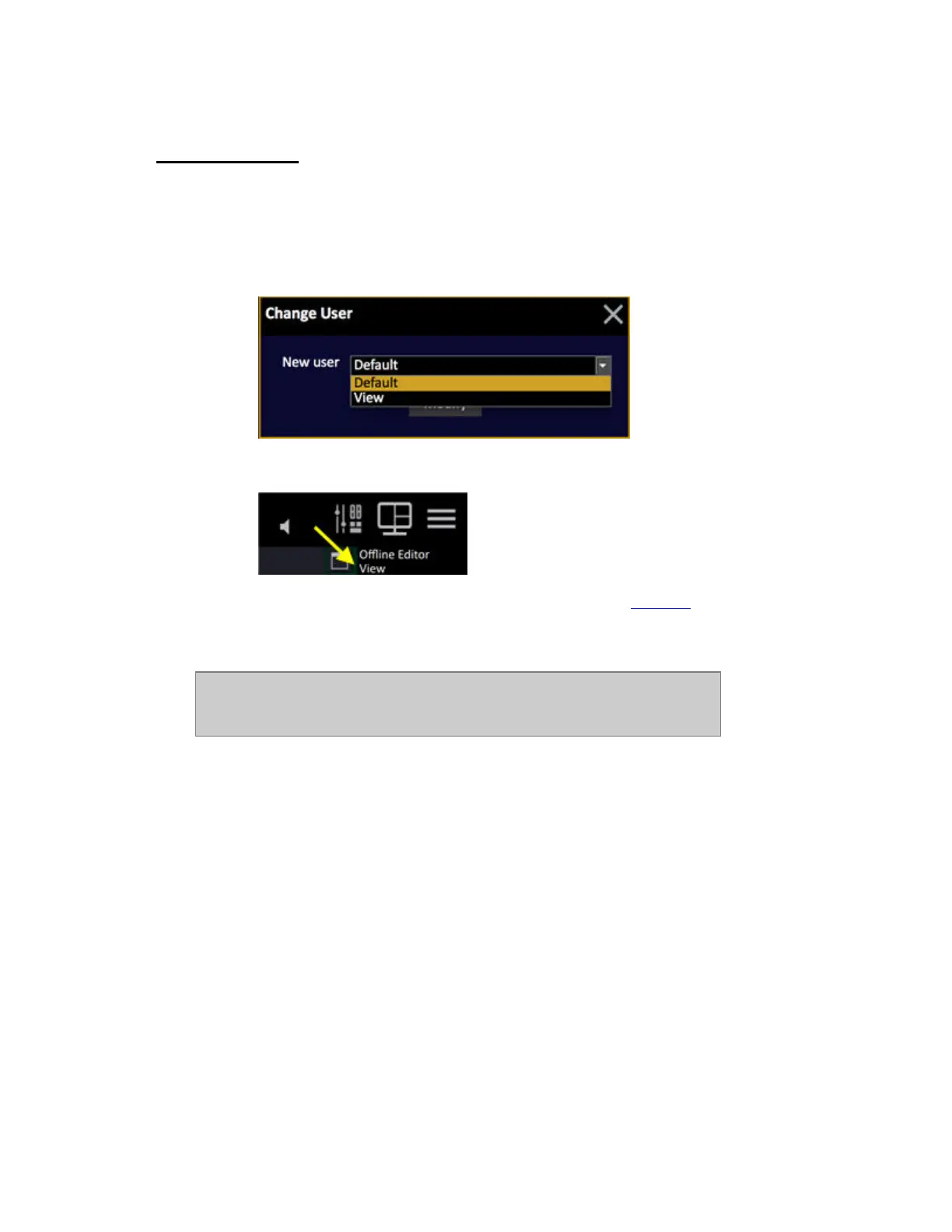
1. Select the node Change User and press MODIFY (BROWSER >General Settings >Change
User). You will get a popup where you can choose from all defined Users.
2. The User is activated and indicated in the top left corner of all screens:
Any Partitions associated to this User will be activated. See Partitions
.
NOTE
The last used login name will be remembered in each station and used for the
next startup.



 To Next Page