Cobalt 8.1 - 20181029
669
You can define the following functions
Function Value Feedback
Position 1-999 The ID of each Position. Cannot be
changed.
Text
Press MODIFY to activate and end text
input.
Fan % 0-100% It is possible to set a Fan value for each
color (to keep noise down).
AutoMove 0-10 The scroller will move slowly forth and
back 0-10 bits when the corresponding color
is selected. It will not take individual
calibration into account.
Value 0-255 This is the 8 bit value (0-255) that will be
output when this frame is selected.
6. Exit with ESC.
Assign A Scroller Roll
Scroller Rolls can be assigned from the Device List. They can also be assigned when a scroller is
patched, from the Patch Wizard.
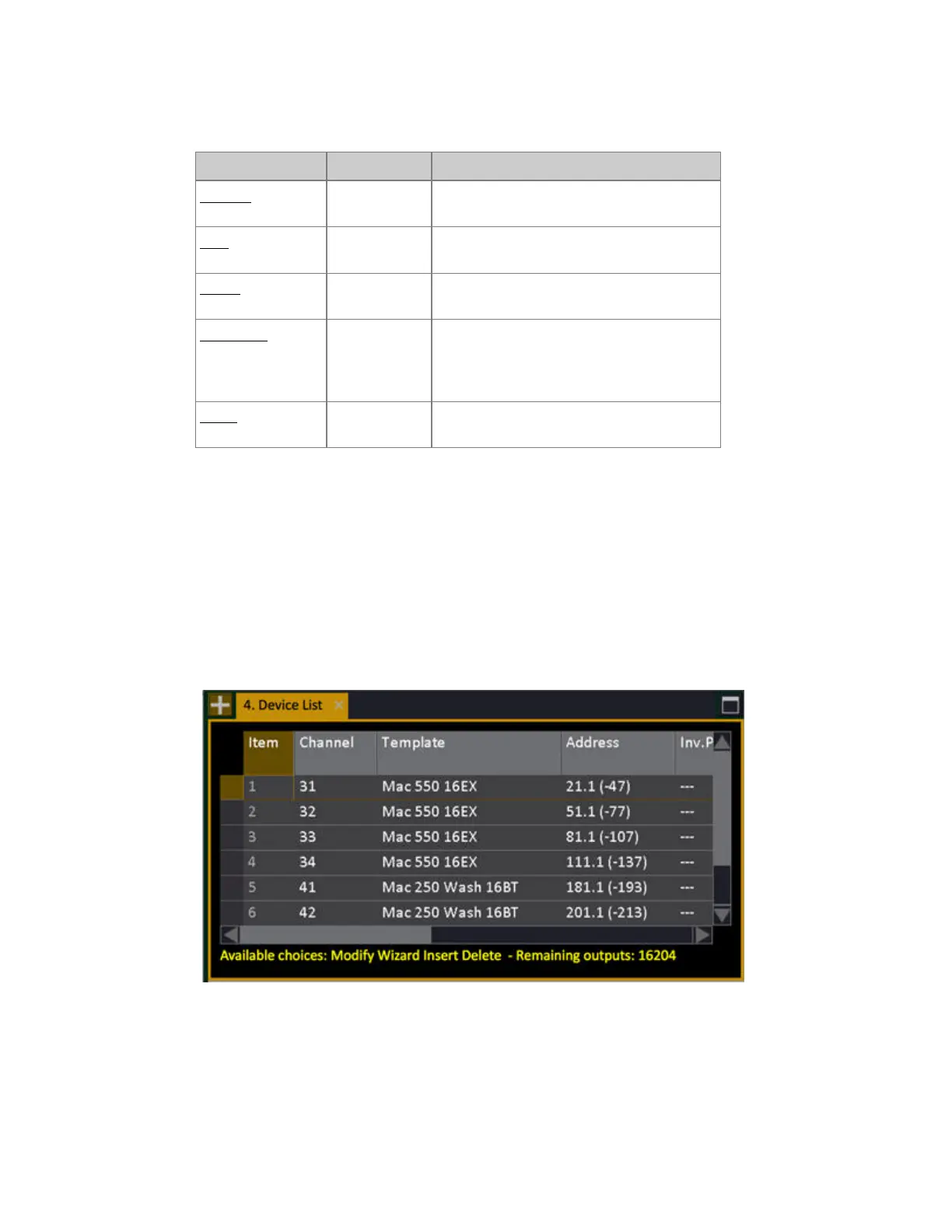
1. Open the Device List (Browser >Patching >Device List). (You can also hold MODIFY and press
DEVICE).
2. Use arrow keys to select the Scroller Roll Cell for a channel.
3. Press MODIFY to get a dropdown with all defined Rolls.



 To Next Page