Cobalt 8.1 - 20181029
550
Magic Sheets - Layout Toolbar (8.0)
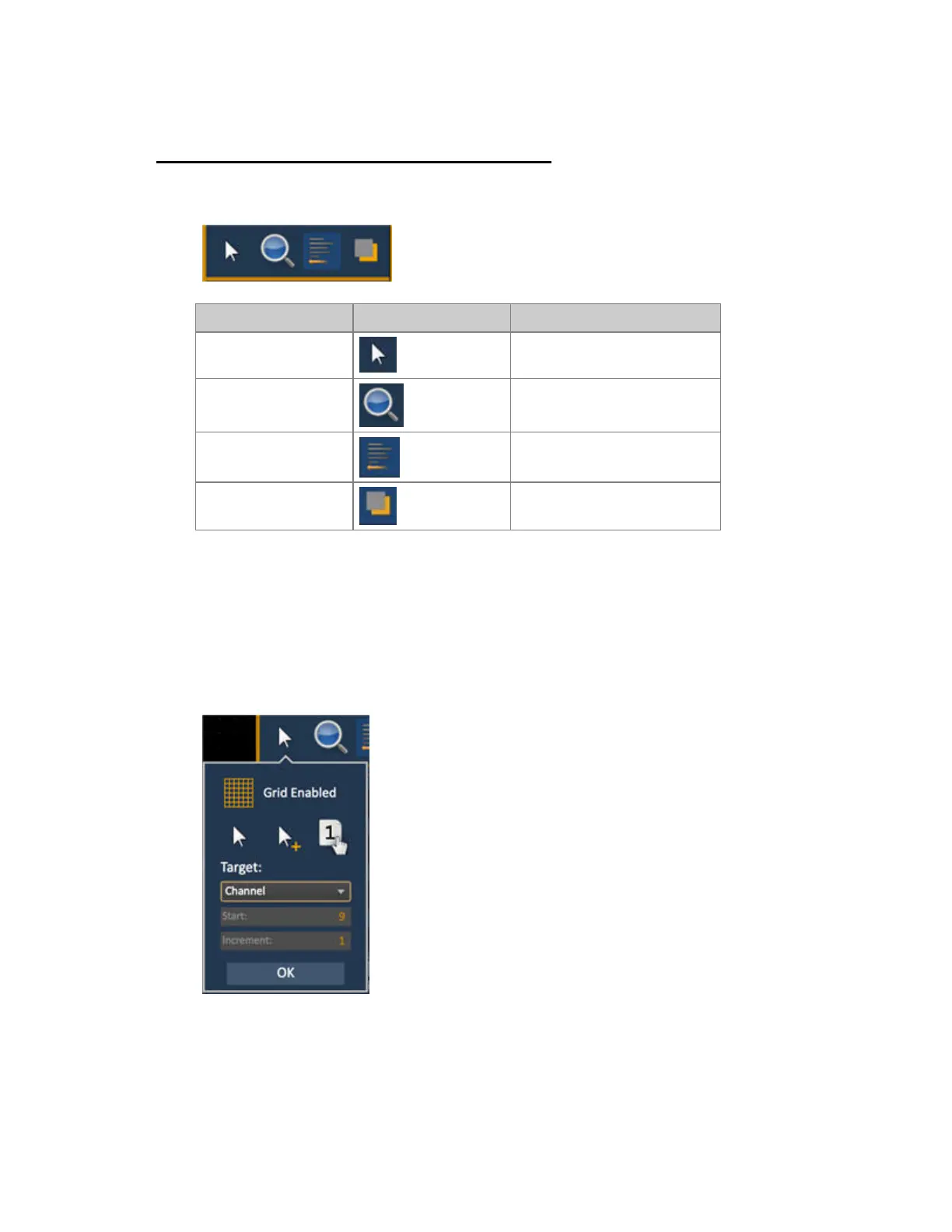
The Layout Toolbar includes four basic tools that affect editing of objects in general:
Function Symbol Explanation
Arrows and Edit
Modes
Create and duplicate objects
incrementally
Zoom tools Zoom functions
Array, align &
distribute tools
Aligning, distributing and
creating arrays of objects
Ordering/stacking tool Group and order objects
Magic Sheet - Arrow Tools for Edit Mode (8.0)
The Arrow tools for Edit Mode
- This tool will allow you to create new objects with a preselected target and autonumber them.
• Grid Enabled - toggles between a grid being displayed and no grid. With the grid enabled,
the magic sheet will have a snap to
grid behavior when placing objects. Hold SHIFT to override the snap.
• Normal arrow - allows for selecting and assigning objects from the object list.



 To Next Page