Cobalt 8.1 - 20181029
625
Record A Beam Palette
1. Select channel(s)
2. Initiate recording of next free Palette or Palette #
Function Key Feedback
Record
[RECORD] & [BEAM]
Records the next free Beam
palette. You will get a
popup*
Record as...
[#] [RECORD] &
[BEAM]
Records as palette #.
You will get a popup*
Record Direct
[RECORD] &
[direct_select]
Records to a direct select in
palette mode. You will get
a popup*
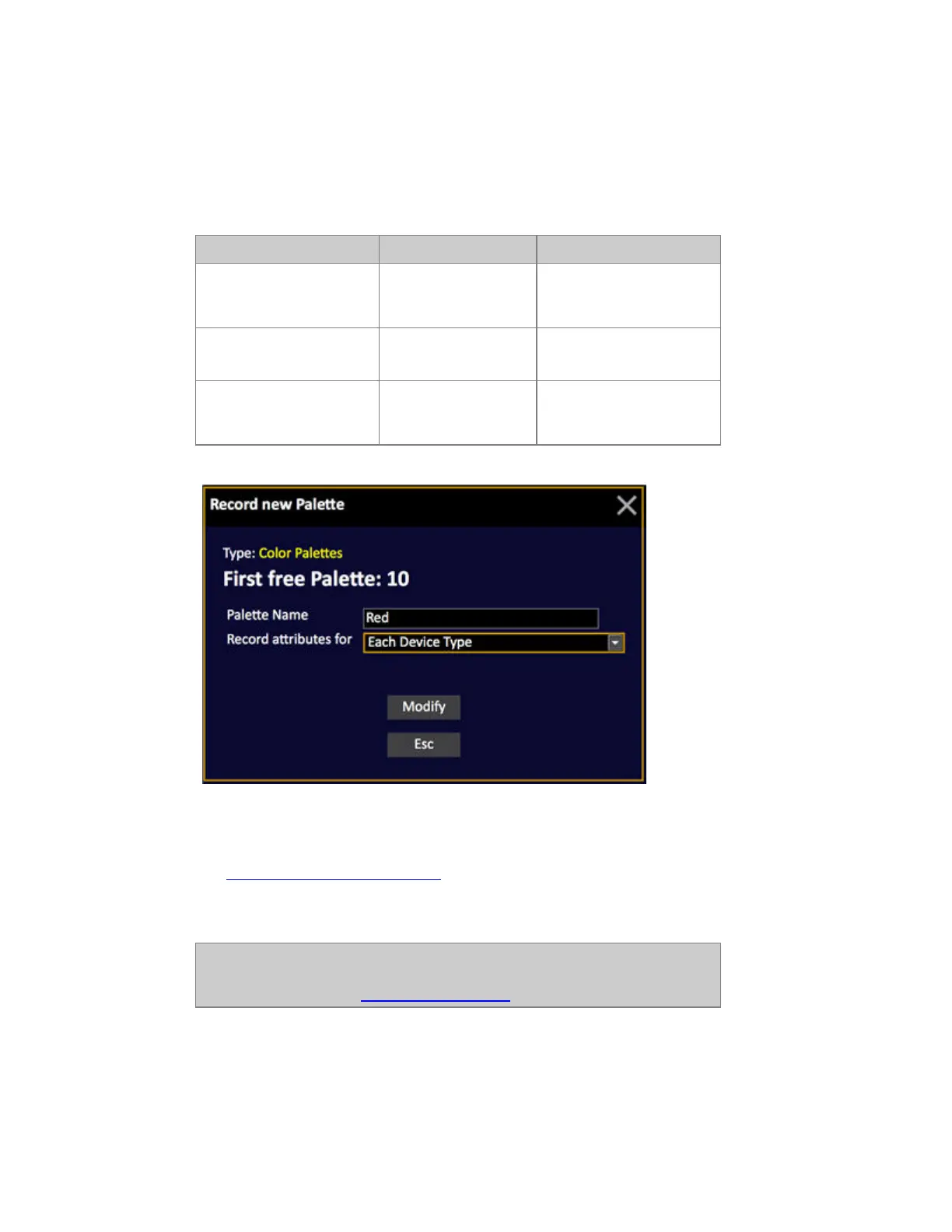
*Popup
3. Enter a text (optional)
4. Select Recording mode. For Focus Palettes this is usually "Each Device Type".
See Each Device or Each Device Type
.
5. Press MODIFY to confirm recording.
NOTE
The MASK function can be used to filter out unwanted parameters when
recording a Palette. See Device Control - Mask.



 To Next Page