Cobalt 8.1 - 20181029
842
Masters - Select Playback Range
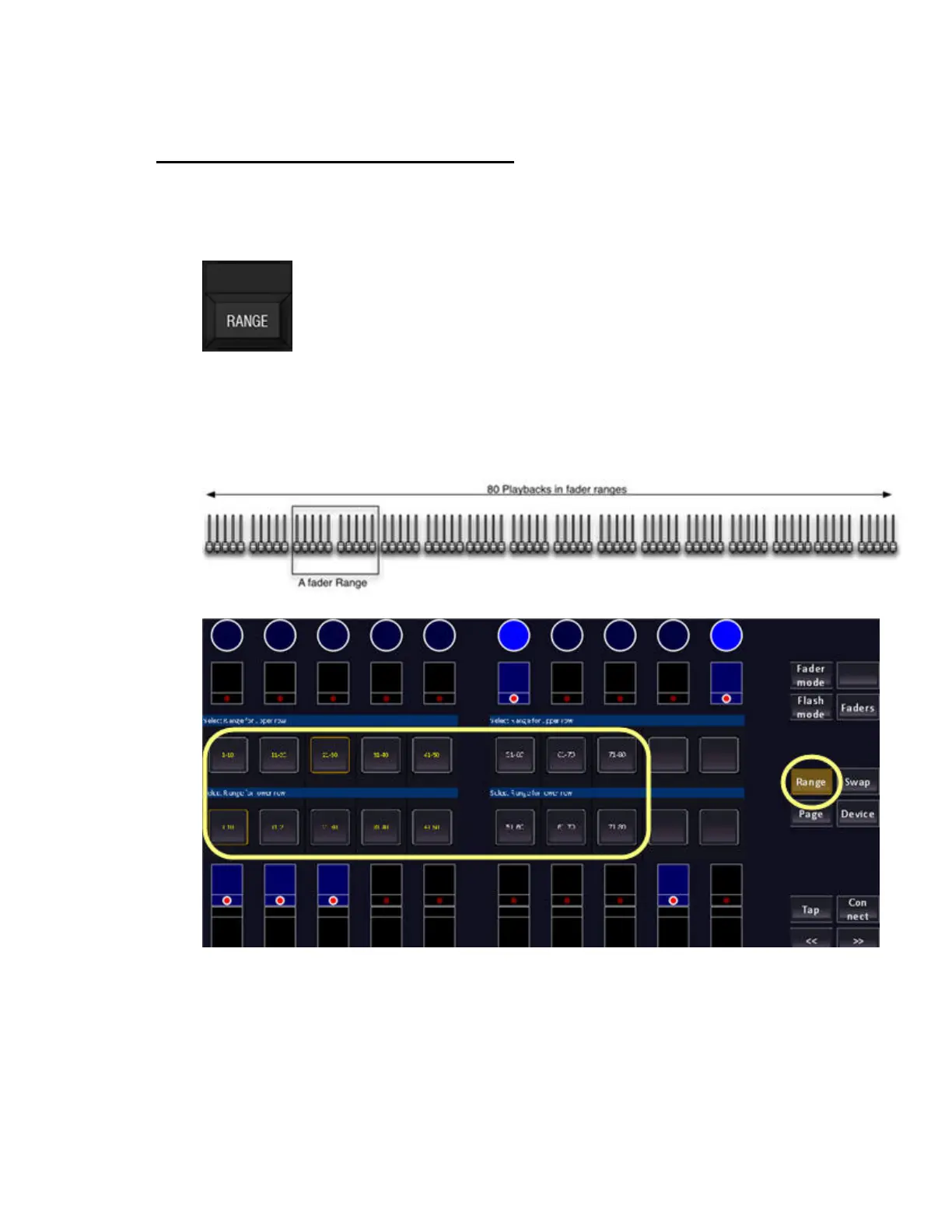
Press and hold RANGE to be able to select which bank, or range of master playbacks you wish to
control from the physical faders and pots. There are 80 master playbacks available at all times in the
system.
You can also enter the number of a master, hold RANGE and press MASTER to assign this range to
the master faders.
The principle of Fader Ranges:
You can press the keys above/under the displays.



 To Next Page