Cobalt 8.1 - 20181029
545
The color functions are the same for outline and background:
• Select a color from the color picker
• Use the slider to the right to change overall contrast to access more colors
• The currently selected color is shown under the slider
• Define a color with RGB values
• Link to Channel Color
• Link to Channel Intensity
For more functions see Magic Sheets - Object Color, Target & Attributes
Magic Sheets Editor - Object Target (8.0)
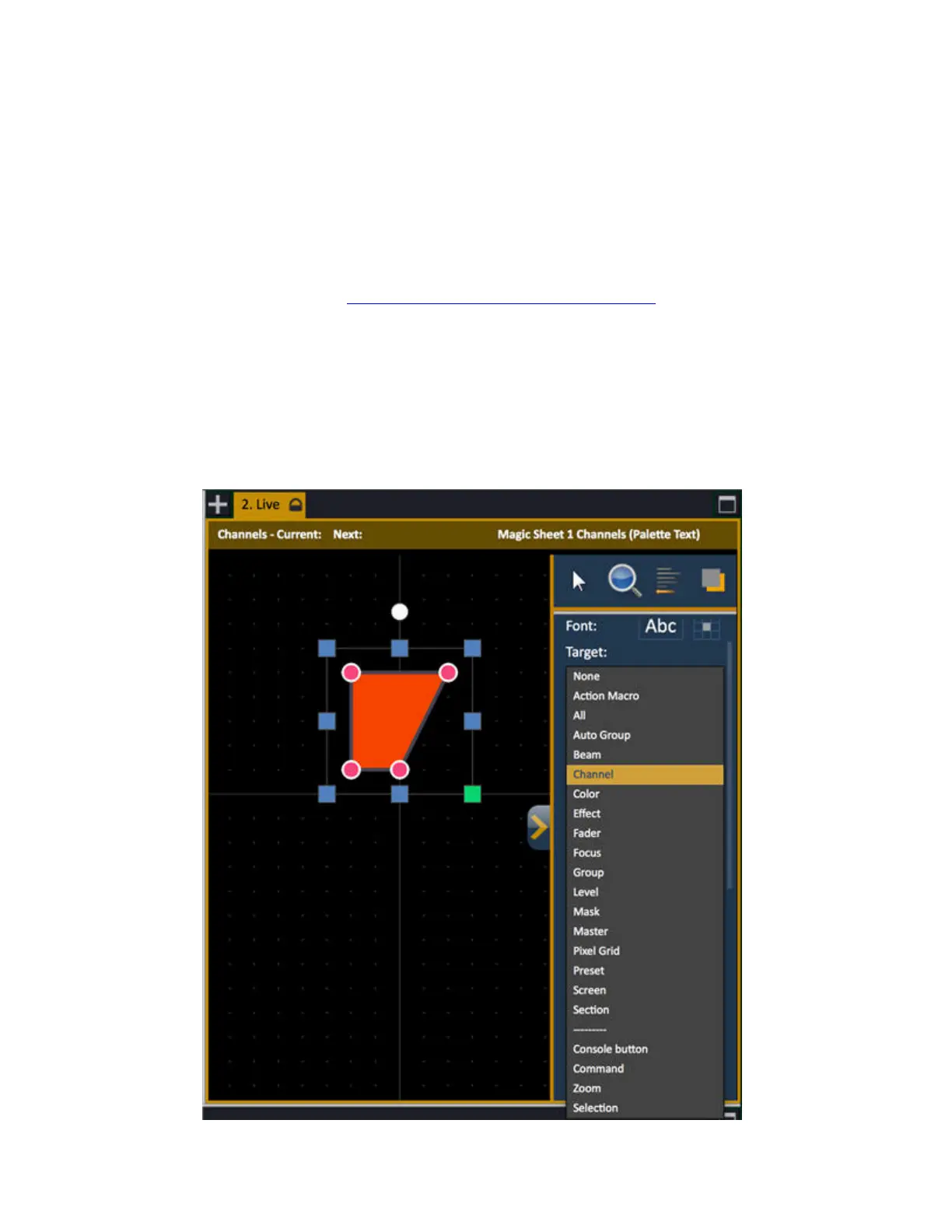
For an object to have any function when selected in a Magic Sheet it needs to have a target.
1. Select an object
2. Select target



 To Next Page