Cobalt 8.1 - 20181029
750
• An effect layout
• An Image effect playback
Create an image effect playback
Creating an image effect playback can be done in two ways.
• # INSERT & EFFECT and select Image.
• Press INSERT in the Effect Playbacks List, and select Image.
Now that the effect playback is created you need an Effect Layout to apply it to.
Control image effects
As soon as an Image effect is selected, you can control it in two ways:
• From the console parameter wheels using U1-U3.
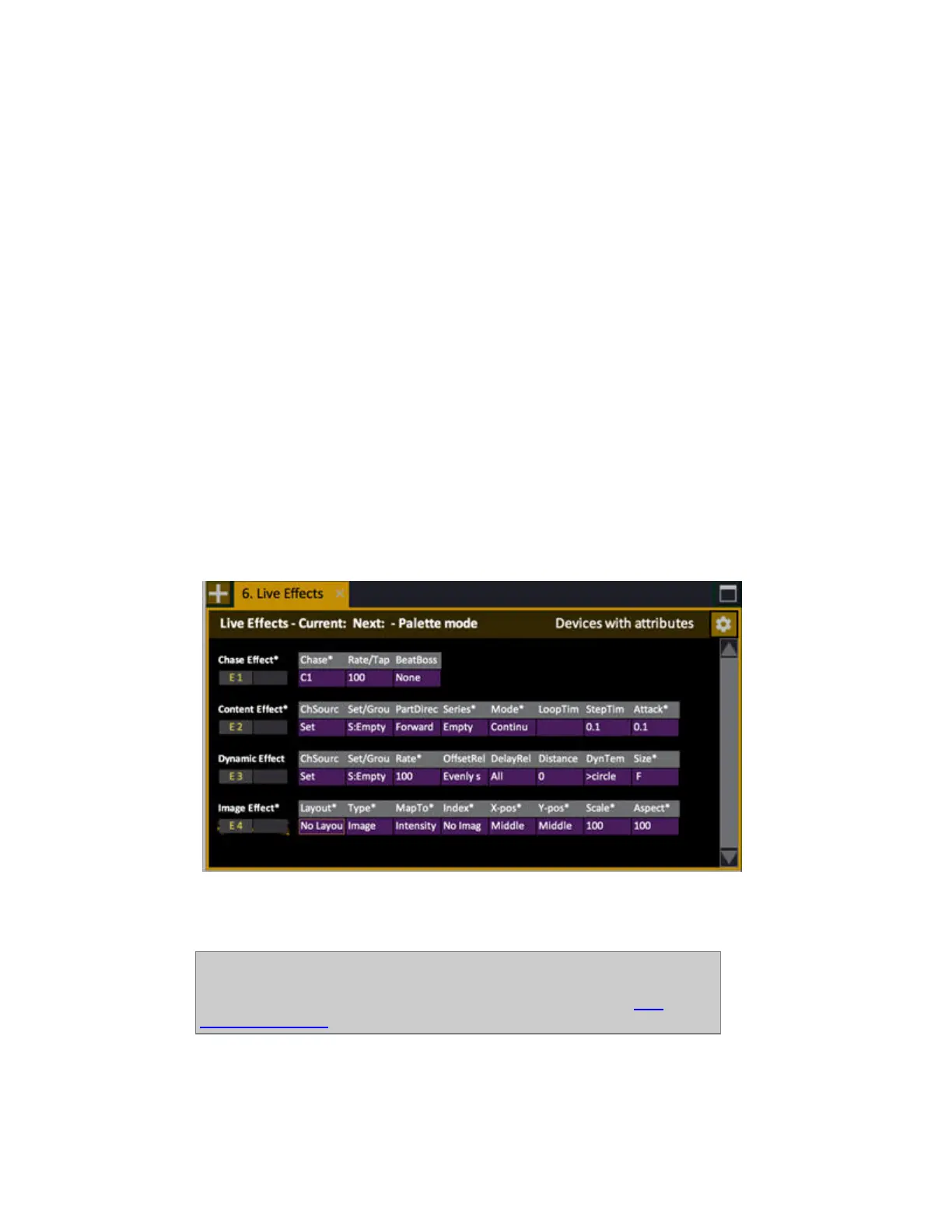
• From the Live Effects view.
Image effects look like this in Live Effects
If you unlock the spreadsheet for screen editing (SETUP & TAB) you can step around with arrow
keys, press MODIFY to get a dropdown, or enter a number and press MODIFY.
NOTE
When you press MODIFY or enter a number it will be an absolute value or a
Palette value - depending on the setting in Attribute Settings. See Play
Settings - Attribute.



 To Next Page