Cobalt 8.1 - 20181029
764
Import Effect Images
You can import images (jpg/bmp/gif) from a USB memory.
1. Connect the USB memory to Cobalt
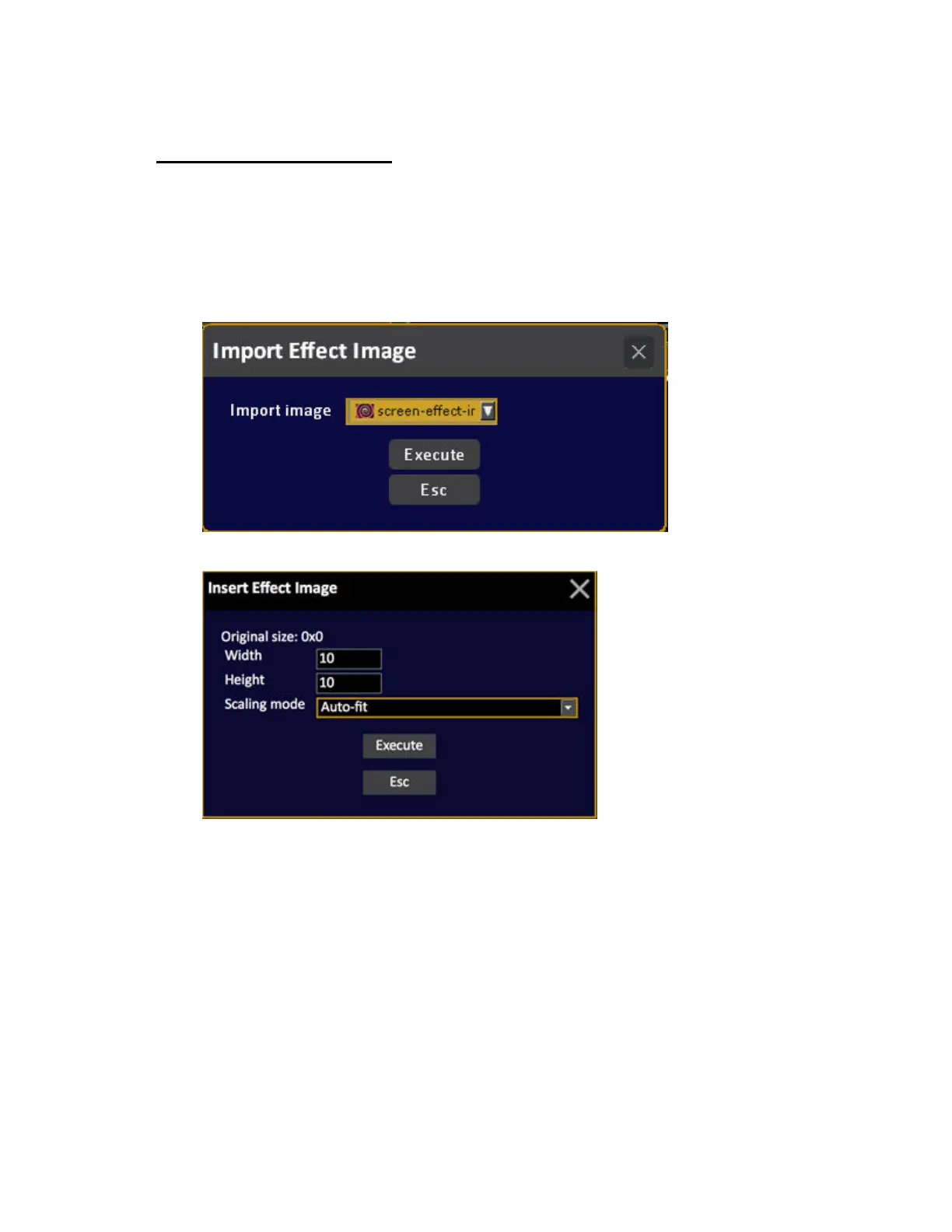
2. Open the Import Effect Images function (Browser >Effects >Image Effects >Import Effect Image).
This will open the import image popup where you can select the image you want to import.
3 Press MODIFY. You will get a popup
4. Enter the target size of the image. The size is relevant to the size of the effect layout it will be
applied to. We recommend 128x128 which you can scale to a lot of layouts.
5. Press MODIFY in the Image column of the new image. This opens the layout editor tool.
Once the image is imported you can access it from the Image Effect controls.



 To Next Page