Cobalt 8.1 - 20181029
759
Effect Images
Effect images are jpg or gif images that you can create with the Image tool, or import from a USB
memory.
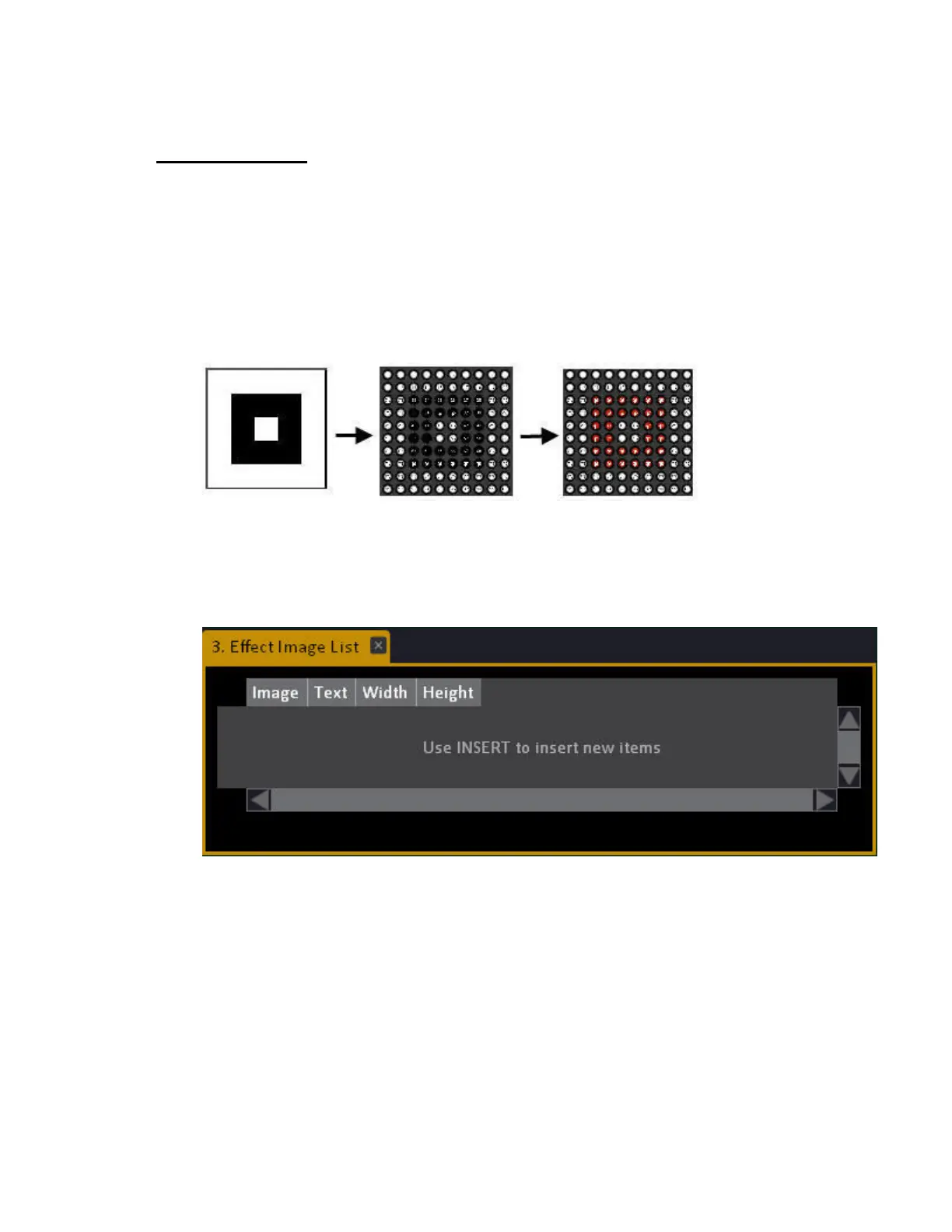
They are mapped pixel by pixel to the effect layout when selected. In other words, if the effect layout
consists of 100 light sources that are aligned 10x10 - you can create an image that is 10x10 to fit
exactly, or 128x128 if you want to be able to scale and zoom in the image.
Simple black & white image mapped to intensities, and color in a 10x10 effect layout
Create a new image
1. Open the Effect Images tool (Browser >Effects >Image Effects >Effect Images...)



 To Next Page