Cobalt 8.1 - 20181029
854
Masters - Beat Boss
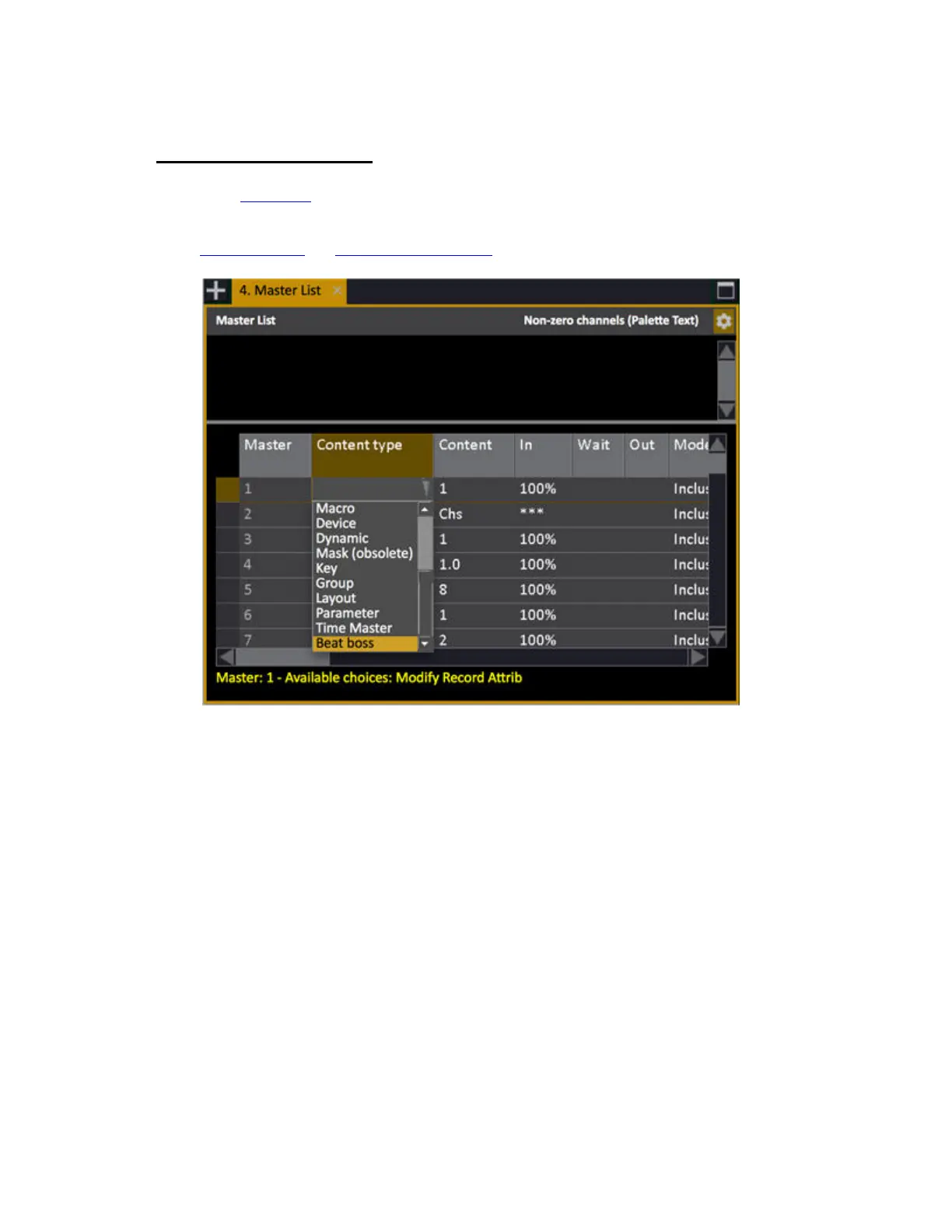
In the Master List (Browser>Masters>Master List) open the Content Type and select Beat Boss and
Content number 1-9. Beat Bosses can be applied to Chase and Content effects. The top row of masters
in Cobalt hardware with the potentiometers is by far the best control surface for a Beat Boss. See
Chase Beat Boss
and Content Effect Beat Boss.
When a master is assigned a Beat Boss, the slider or potentiometer will change the value. To tap a BB
on a fader set the FLASH key to TAP manually.
• The BPM will be set to 120 with the fader at 50%, 240 at the top and 0 at the bottom.
• Chase/Content effects: Added Beat Boss parameter that links an effect to a beat boss.
• Current beat boss BPM values are stored in the show file.
When a Beat Boss is assigned to several effects and runs on a master, you can select all effects by
pressing the master key.



 To Next Page