Cobalt 8.1 - 20181029
367
Sequences - Introduction
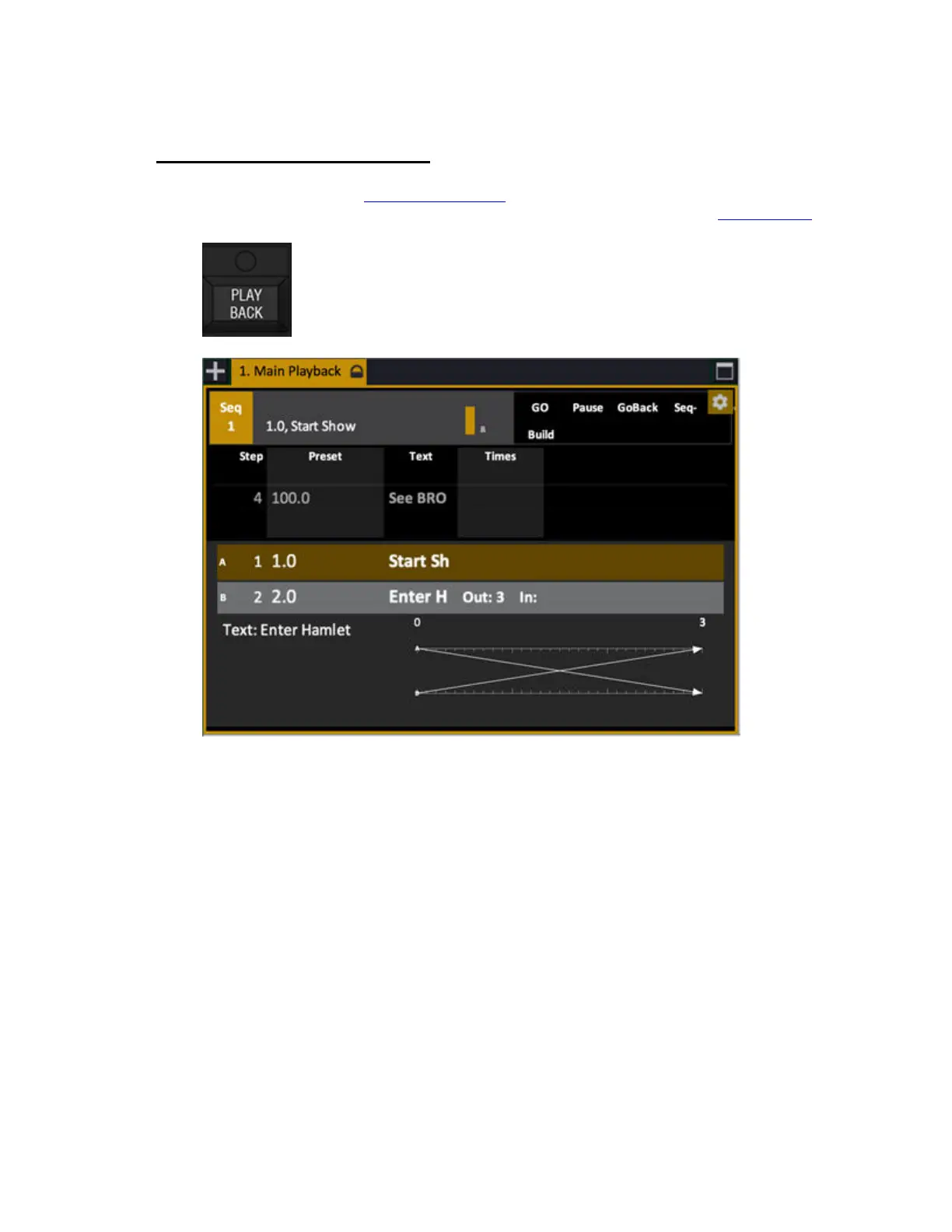
Press PLAYBACK in the Main Playback section to open the Playback tab. Theatrical style playback
of a number of pre-recorded looks and times is called a "sequence" in Cobalt. (See Playback View
)
A sequence is a list of sequence steps. There are two ways to create a sequence
• Preset steps (referenced data from a central and shared Preset List)
• Cue steps (unique data in each step)
Preset or Cue mode is selected as a default for your play in the Let's Begin dialog when you start a
new play, and in the Play Settings dialog under Basic.You can chose either mode at any time when
you create a new sequence.
A sequence step always contains a Preset or a Cue. Each time a Preset or a Cue is recorded in the Live
tab a new Sequence step is created with that Preset in the Main Playback.



 To Next Page