Cobalt 8.1 - 20181029
837
Masters - Macros
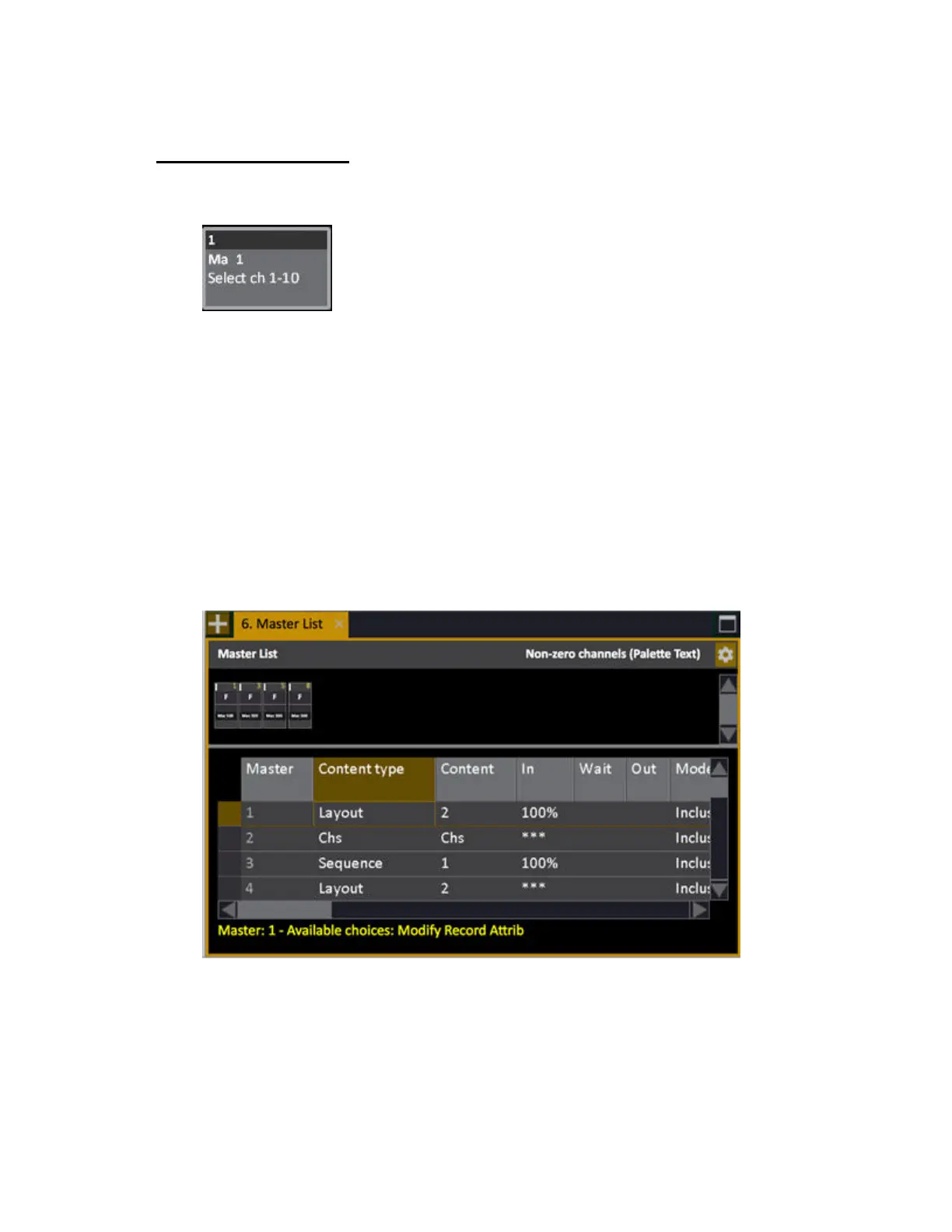
From the CONTENT column in the Master List (Browser) you can load a Macro to a Master.
You can assign a macro key to a master playback so you have fast access to it. Macro keys are
displayed with a "Ma" and its text, in the master displays.
Once a macro key is loaded to a master you can
• Use the master key as the macro key
Load a macro to a master
Macros can only be assigned from the Master List.
1. Open the master list (Browser >Masters >MasterList).
2. Set "Content Type" to "Macro"
3. Set "Content" to the macro number of your choice.



 To Next Page