Cobalt 8.1 - 20181029
270
Patch Wizard
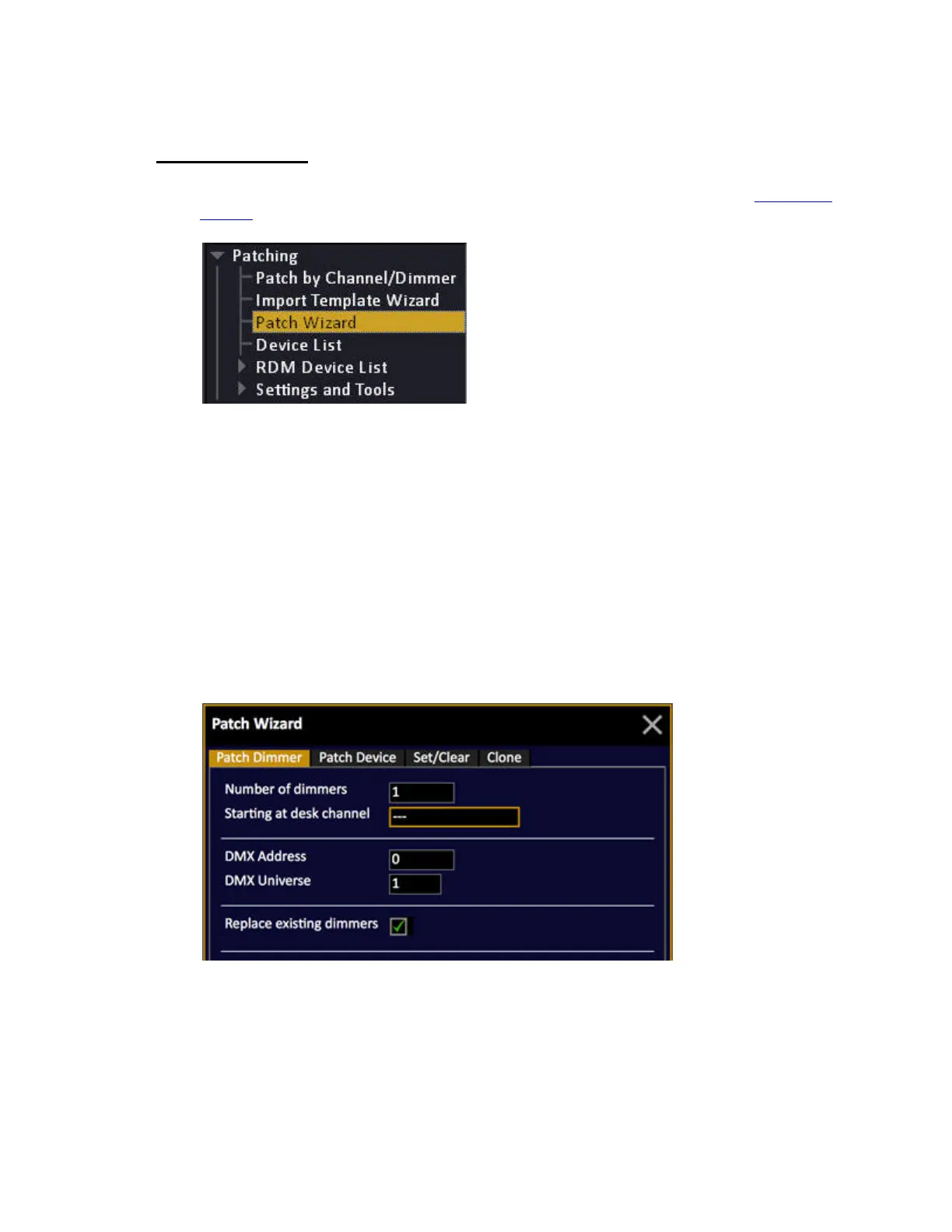
The Patch Wizard is opened from the Browser (Browser >Patching >Patch Wizard). See Navigating -
Browser
.
There are four sections
• Patch Dimmer - patch one, or a range of dimmers
• Patch Device - patch one, or a range of devices
• Set/Clear - clear or reset a range/all outputs, devices or renaming.
• Clone - will copy all matching parameter data from a source channel, providing target
channel is patched to a template first.
Patch Dimmer(s)
Enter the number of dimmers, the desk channel, DMX address and universe. If you check Replace
existing dimmers, these will be unpatched automatically.



 To Next Page