Cobalt 8.1 - 20181029
799
NOTE
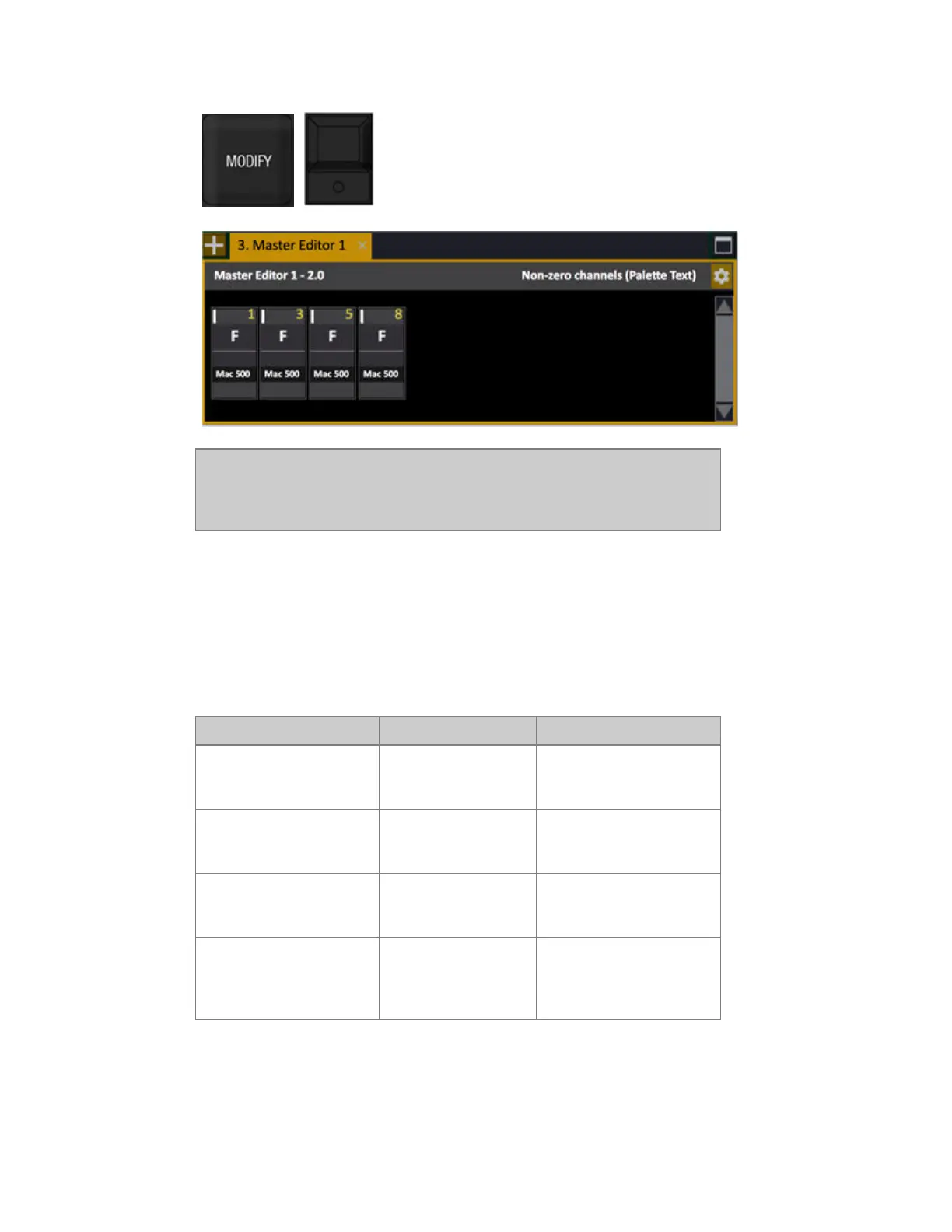
Adjustments made in this field are live if the master's fader is above zero.
When there is an unsaved change the grey title bar will be purple and you
will get an option of saving before closing or leaving this tab
To edit attributes in this tab, press ATTRIB. If the master level is above 0%, the changes in the
attribute view will be executed on stage (7.2)
Select channels in a master
Press a Master key to select all channels in the Ch, Preset, Effect or Group of that Master.
Function Keys Feedback
Select channels
[Master_Key]
All channels in Master #
are selected in the Channel
Control.
Select channels in with a
level
[ALL] &
[Master_Key]
All channels in Master #
with a level in the Channel
Control are selected.
Add channels
[+] & [Master_Key]
All channels in Master #
are added to the selection in
the Channel Control.
Subtract channels
& [Master_Key]
All channels in Master #
are subtracted from the
selection in the Channel
Control.



 To Next Page