Cobalt 8.1 - 20181029
235
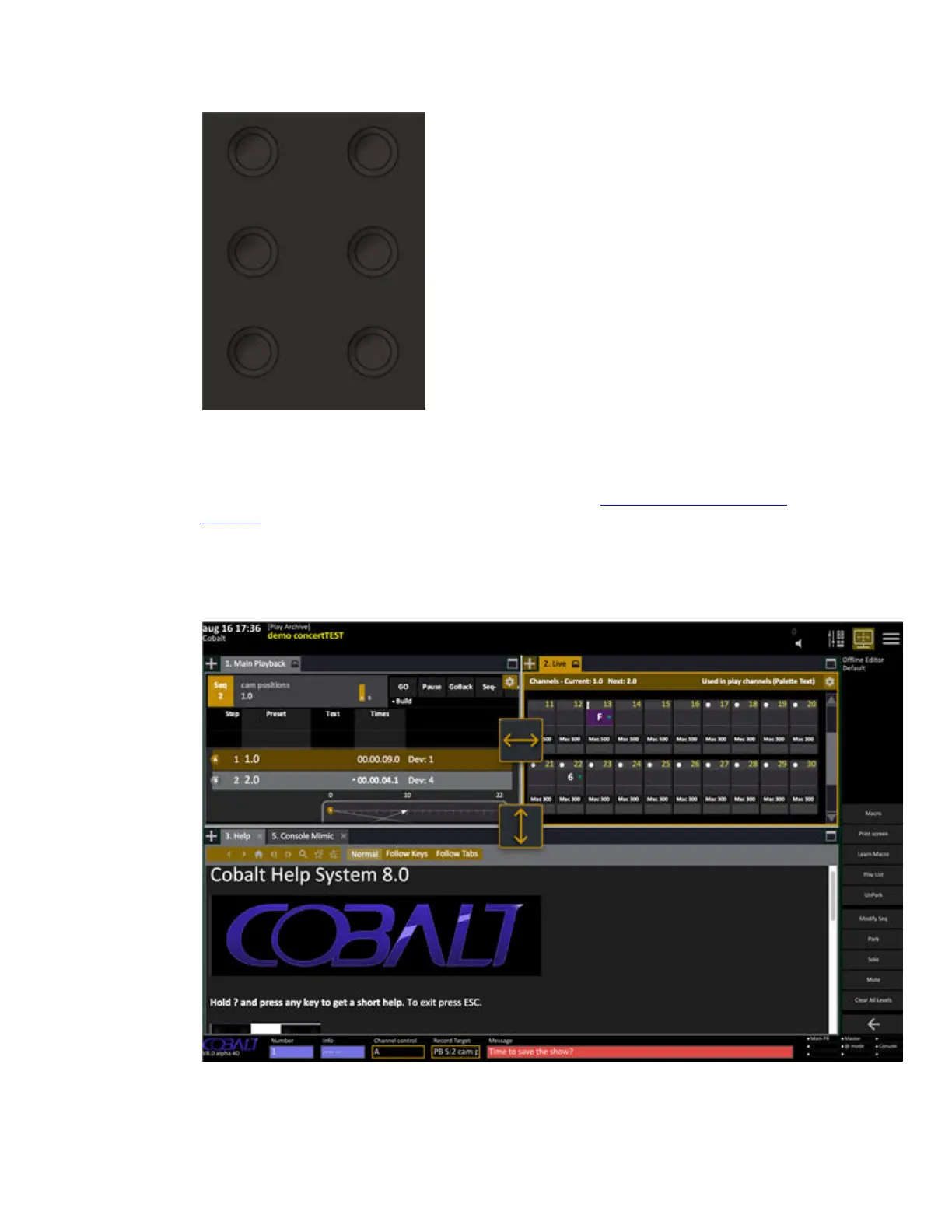
When you press a screen key, all screens will change to the stored layout and format.
These Screens can be accessed from the Browser (Browser>General Settings>Screens) and the Direct
Selects. Screens can also be recorded in the Direct Selects. (See Cobalt Direct Selects: Special
Functions)
You can resize all areas using mouse or trackball on the divider lines - with a touch screen you can
activate Resize handles by selecting "Resize" in the middle section. Click again on the resize symbol
in the top right corner of the screen to finish.



 To Next Page