Cobalt 8.1 - 20181029
234
Screens (8.0)
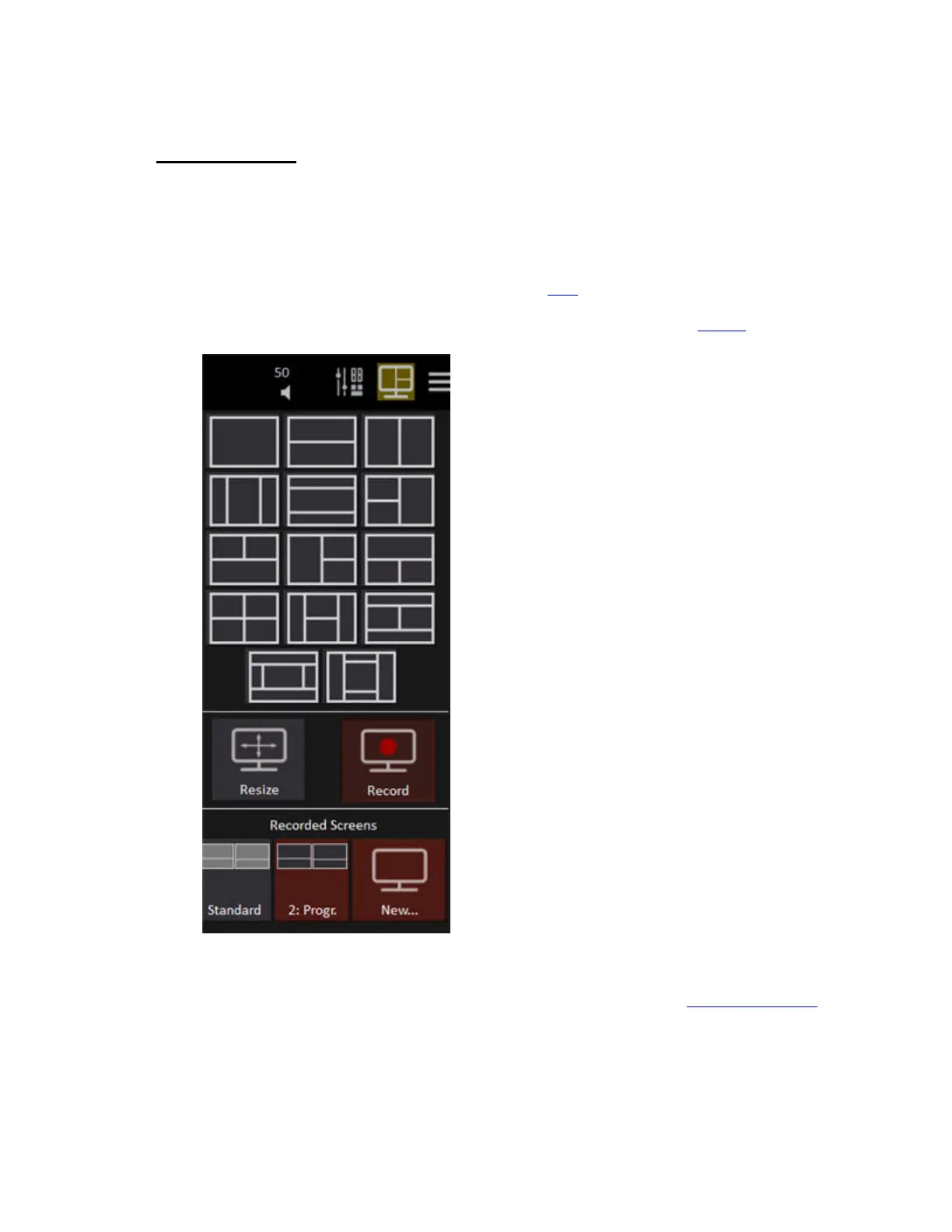
You can store all screen settings including screen areas, zoom and channel format into 100 screen
memories.
The screen areas are set up with the screen browser in the top right hand corner of every screen. Select
a screen area layout and it will be activated immediately. No tabs are closed. To open a tab in an
empty area press the "+" sign in the top left corner. See Tabs
.To record the areas and tabs in all
screens use the Record Screen function in the Direct Selects, hold RECORD and press one of the
screen select buttons in the console, or use the RECORD option in this tab. See Screens
.
The first six are accessible by the screen buttons between the touch screens. To record hold RECORD
and press one of the buttons - the current screens are stored to that button. Button 1 (top left) is default
and cannot be overwritten. You can also record screens in the Screen tab. See Record Screens (8.0)
.



 To Next Page