Cobalt 8.1 - 20181029
555
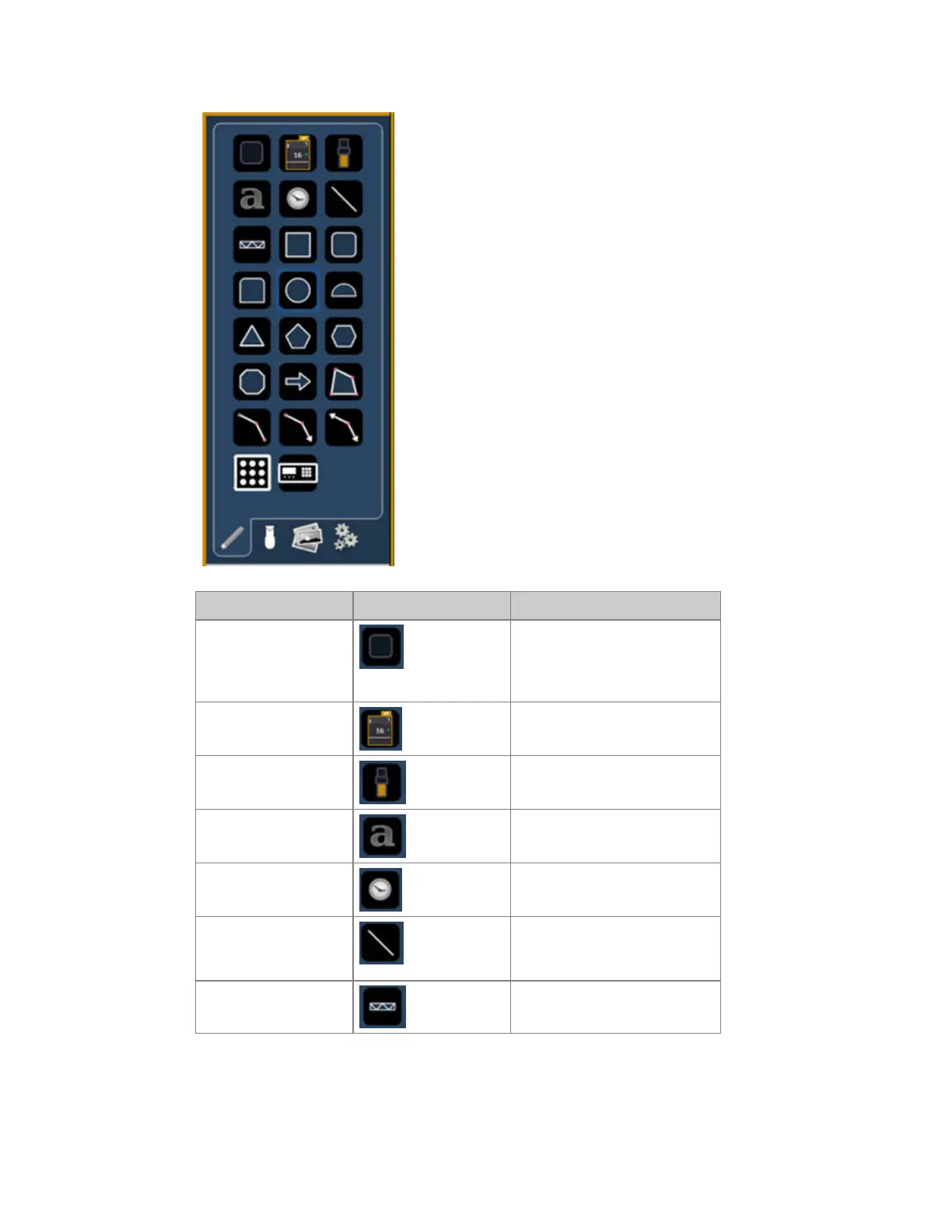
Function Symbol(s) Explanation
Button
A blank button that can be
assigned to any target. Any
other object can function as a
button as well.
Channel icon Mirrors indicators from any
channel view.
Fader Set any console fader as target.
Text Places a text.
Clock A clock.
Line
Draws a line, can be used for
fixture pipes or dividers
between butons for example.
Truss Places truss.



 To Next Page