Cobalt 8.1 - 20181029
559
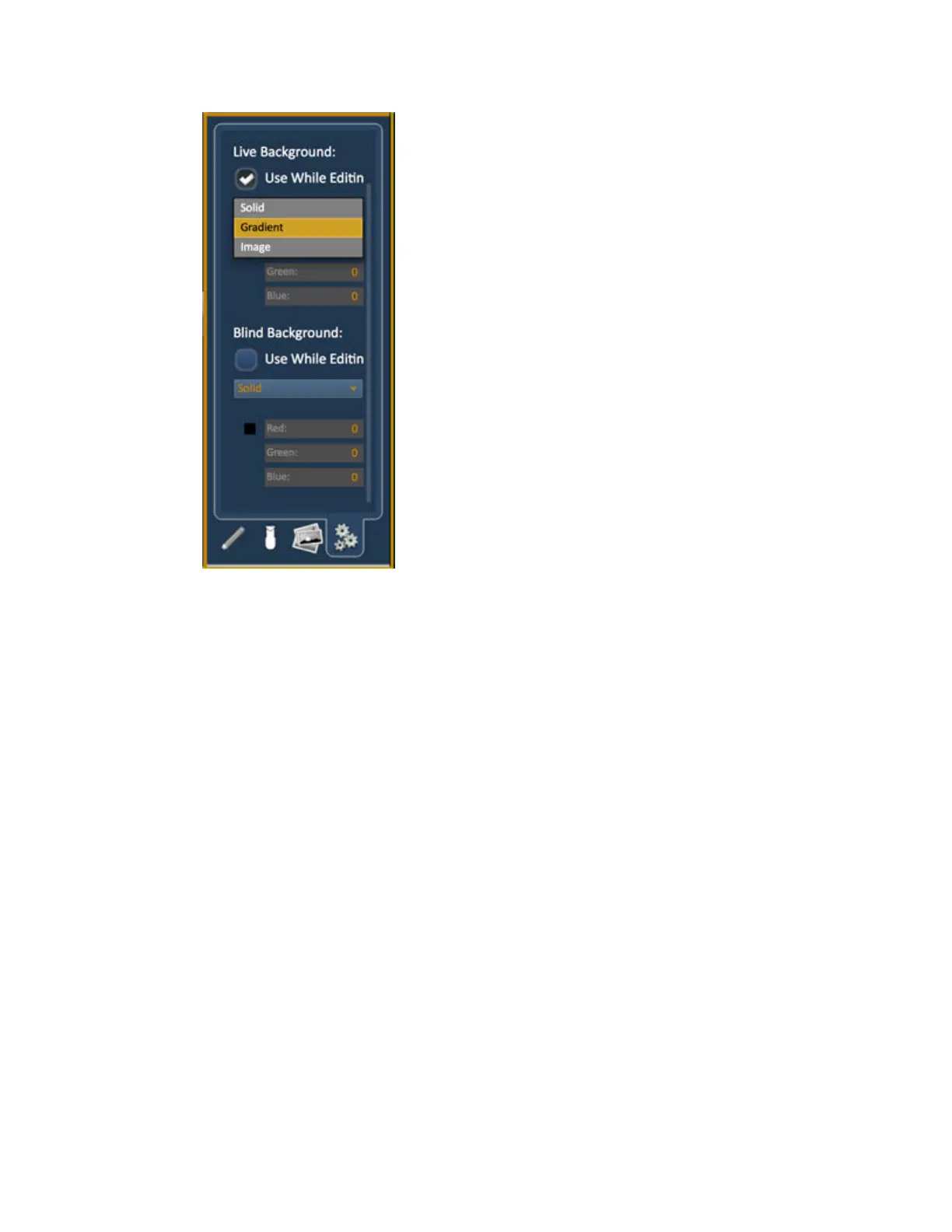
Solid – use Red, Green and Blue to select a color or click on the small square next to ‘Red’ to open a
color picker, complete with saturation bar on the right. Note the X closes the color picker.
Gradient – select top and bottom colors and display will scale between the two colors
Image -- click on the image icon to select a background image, set width, height and opacity, options
for inverted or normal. Currently accepts image files: jpg, tif, bmp, png.



 To Next Page