Cobalt 8.1 - 20181029
307
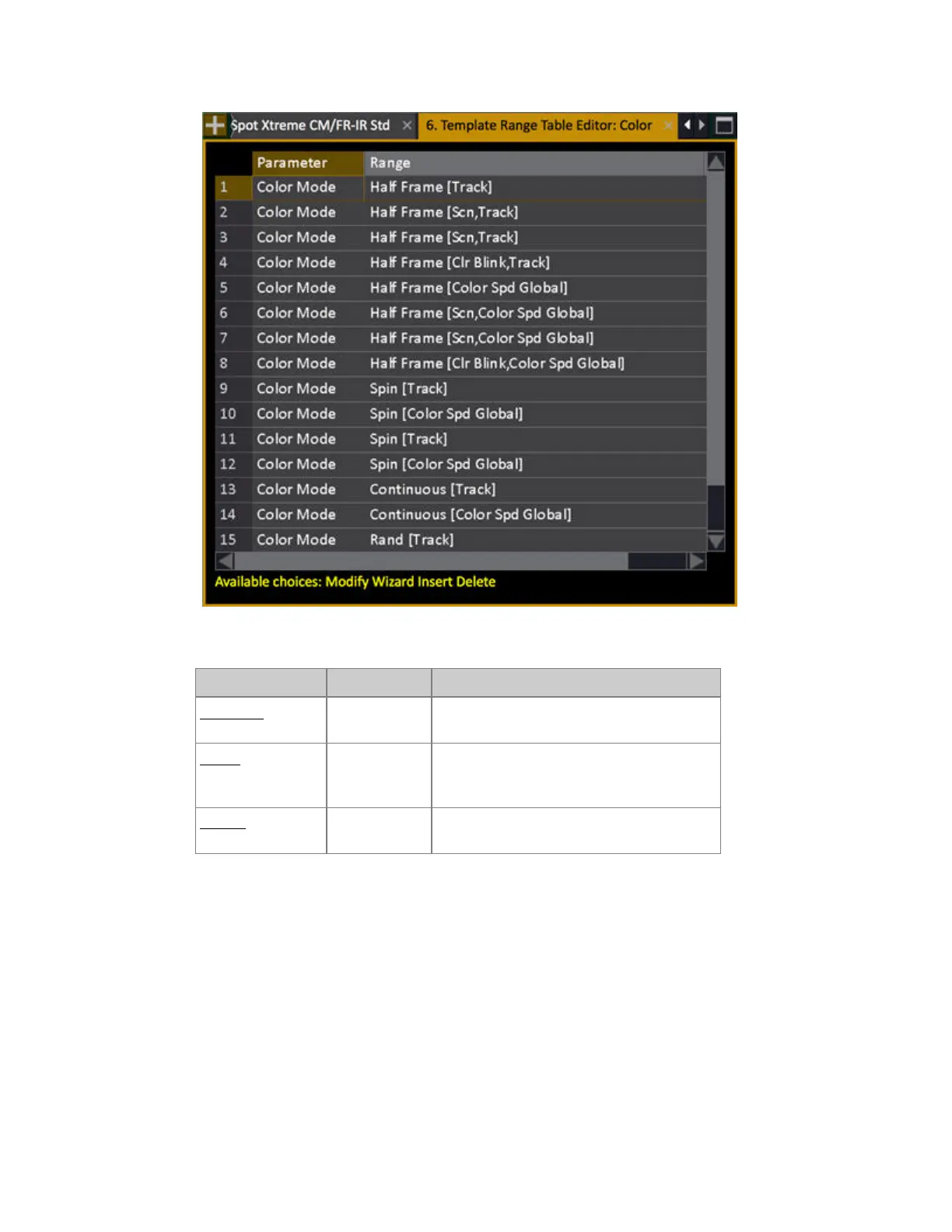
3. Use INSERT* to create a Range Tables. These are the options.
Function Key Feedback
Parameter
[MODIFY]
Opens a dropdown. Select the mode
parameter that activates this Range Table.
Range
[MODIFY]
Opens a dropdown. Select the range position
in the mode parameter that activates this
Range Table.
Ranges
[MODIFY]
Opens the Range Editor for defining these
ranges.
*When you make INSERT for additional Range Tables, the parameter will be copied from the first
defined Range Table.



 To Next Page