Cobalt 8.1 - 20181029
160
3. Choose if you want to include attributes or not.
4. Choose if you want to sort by Channel, by level or by difference.
5. Choose if you want to print All channels or just those that are changed (more compact).
6. Press EXECUTE to confirm, two things will happen:
• The print file will be stored under the print node in a node called PRINTOUTS.
• If a USB memory is inserted before pressing EXECUTE, the files will be copied to it, in a
folder called PRINTOUTS.
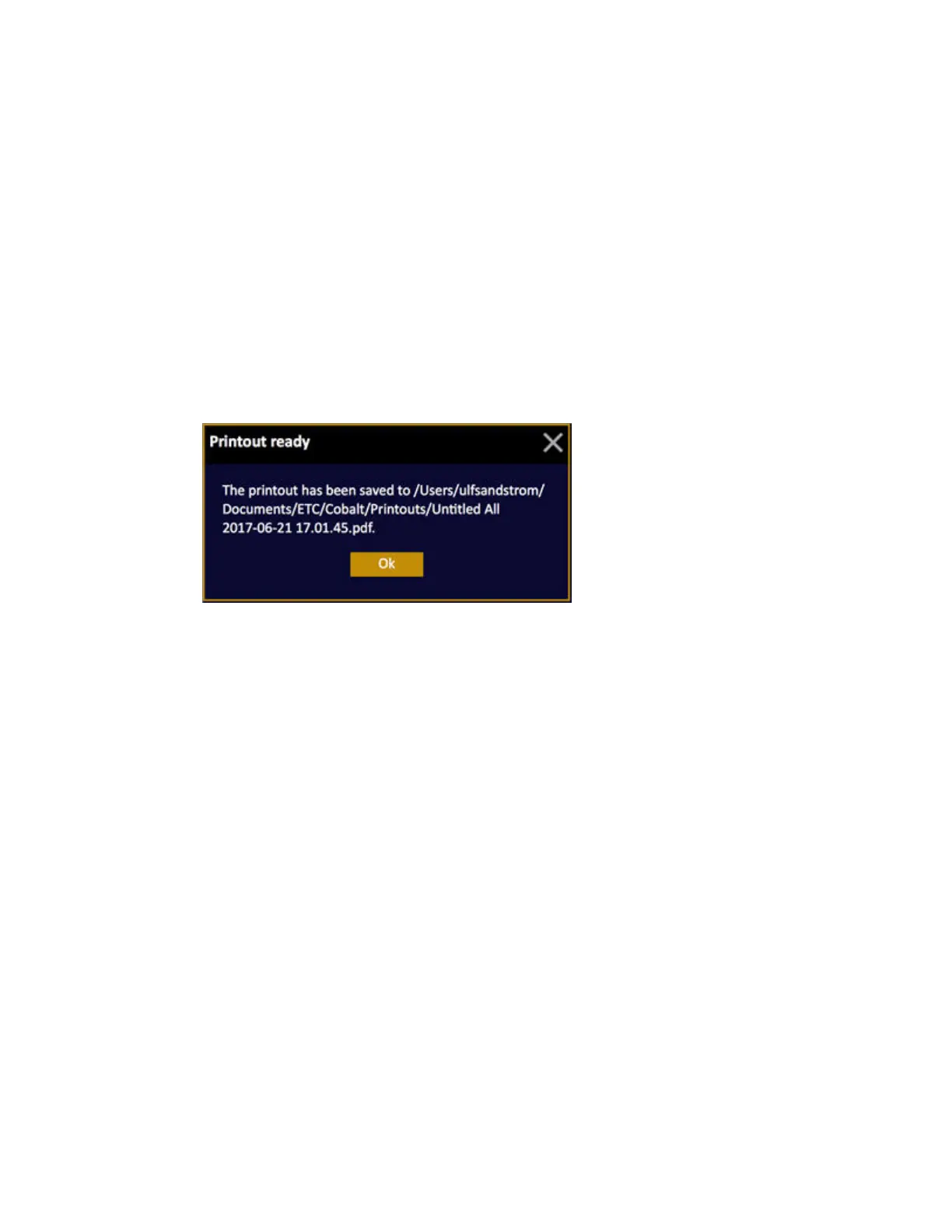
This popup will appear and show the name of the file consisting of the play name followed by the
name of the printout and the date and time stamp. If a USB memory is connected, it will be copied
there as well.



 To Next Page