Cobalt 8.1 - 20181029
1050
Display
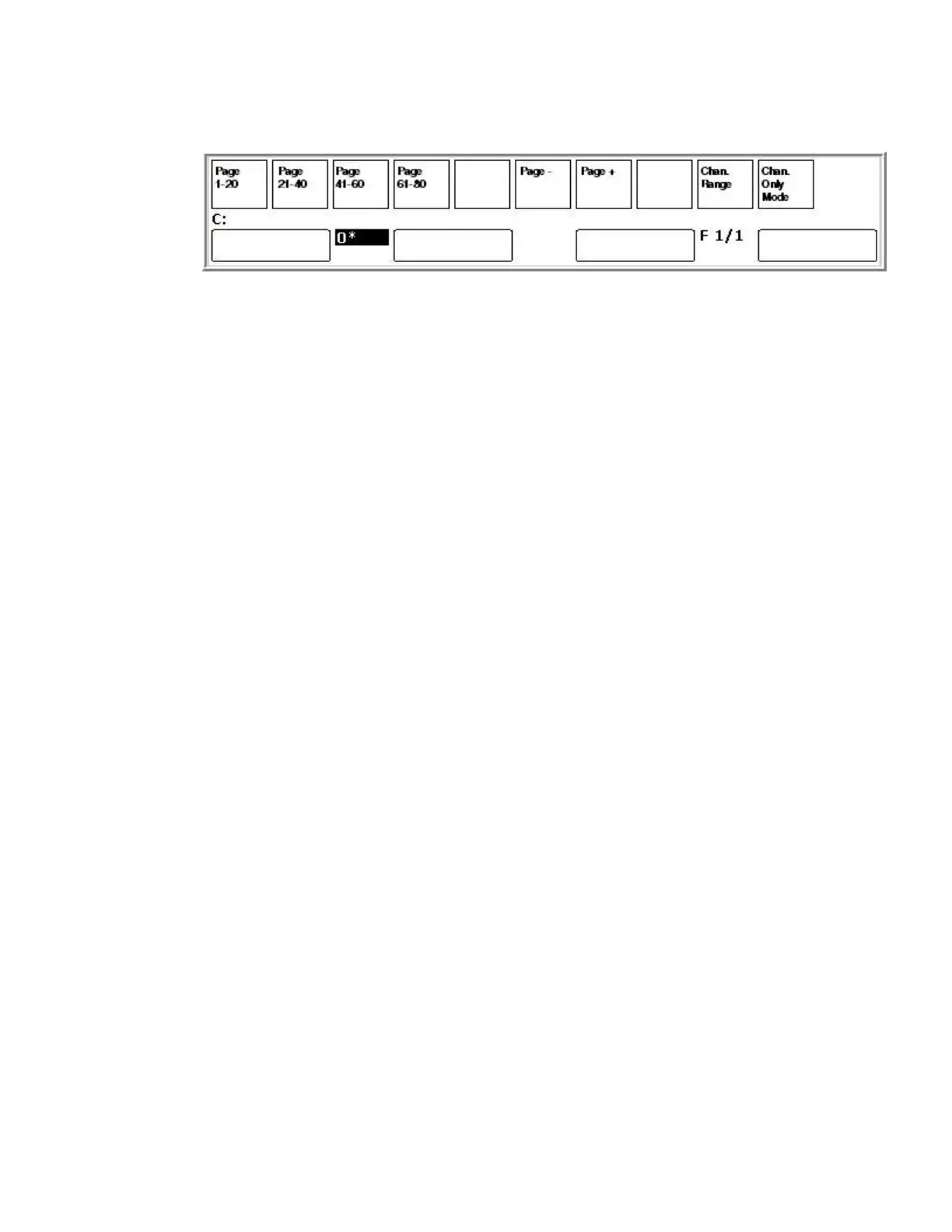
Page keys (PAGE 1-20, PAGE 21-41, PAGE 41-60, PAGE 61-80)
These keys are the PAGE key for each master section. Master pages may be assigned to banks of
masters even when no wings are attached to Cobalt jr. Congo Kid has physical faders for masters 1-20
and 21-40, and masters 41-60 and 61-80 may still be used with the Masters tab or dock and the keypad
for selection and control.
• Enter a number and press a Page #-# key to select a page for masters #-#
• Hold a Page #-# key and press PAGE- or PAGE+ to change page last/next
• Hold C and press a Page #-# key to clear this section.
• Hold RECORD and press a Page #-# to record to this section
Channels Only mode keys
These two keys are used to operate Channels Only mode for Cobalt jr when used with Universal Fader
Wings and Congo Kid.
• CHAN. ONLY MODE: Toggles Channels Only mode on/off
• CHAN. RANGE: Steps through all possible channel ranges for the faders.



 To Next Page