Cobalt 8.1 - 20181029
109
COPY = Makes a copy of the source and inserts it into the sequence after the target step.
MOVE = Moves the source and inserts it into the sequence after the target step.
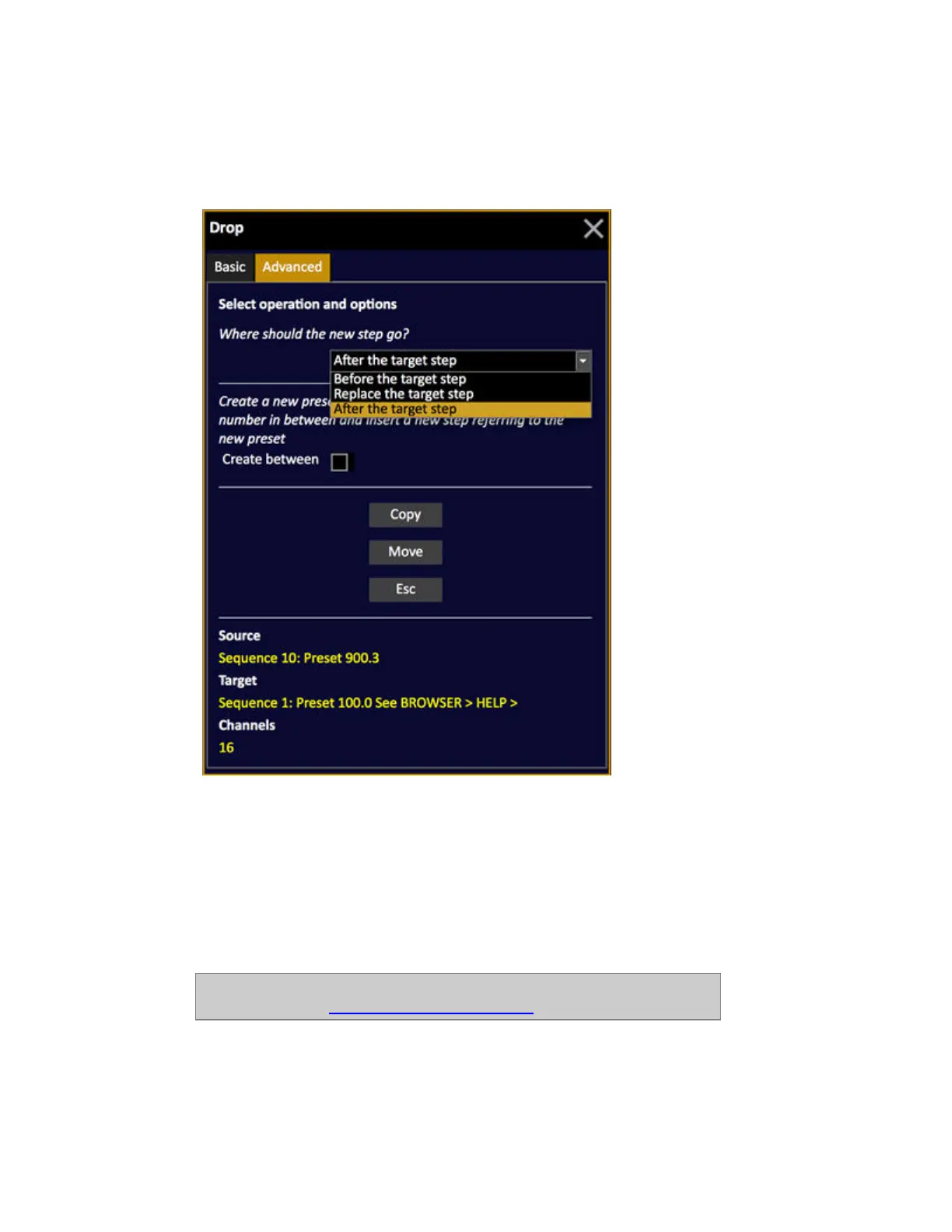
If you select the Advanced tab by pressing left arrow, you get the following options:
The first option allows you to define where you want to copy/move the step to.
• After the target step (default)
• Before the target step
• Replace the target step
The second option "Create Between" allows you to create a new step with a new preset number and
insert (after/before).
NOTE
For more info, see: Sequence - drag and drop data.



 To Next Page