Cobalt 8.1 - 20181029
146
*It is possible to set up a file server by specifying the file server path in the Login Settings. See Login
Settings, General Functions.
To save using the Files node in the Browser:
Function Key Feedback
1. Open the Browser
[BROWSER]
If it was already selected it
will be closed. Press again
to open.
2. Go to Files Down Arrow Files is highlighted
3. Expand subnodes Right arrow Subnodes are expanded.
4. Select Save as Down Arrow "Save as..." is highlighted
5. Confirm
[MODIFY]
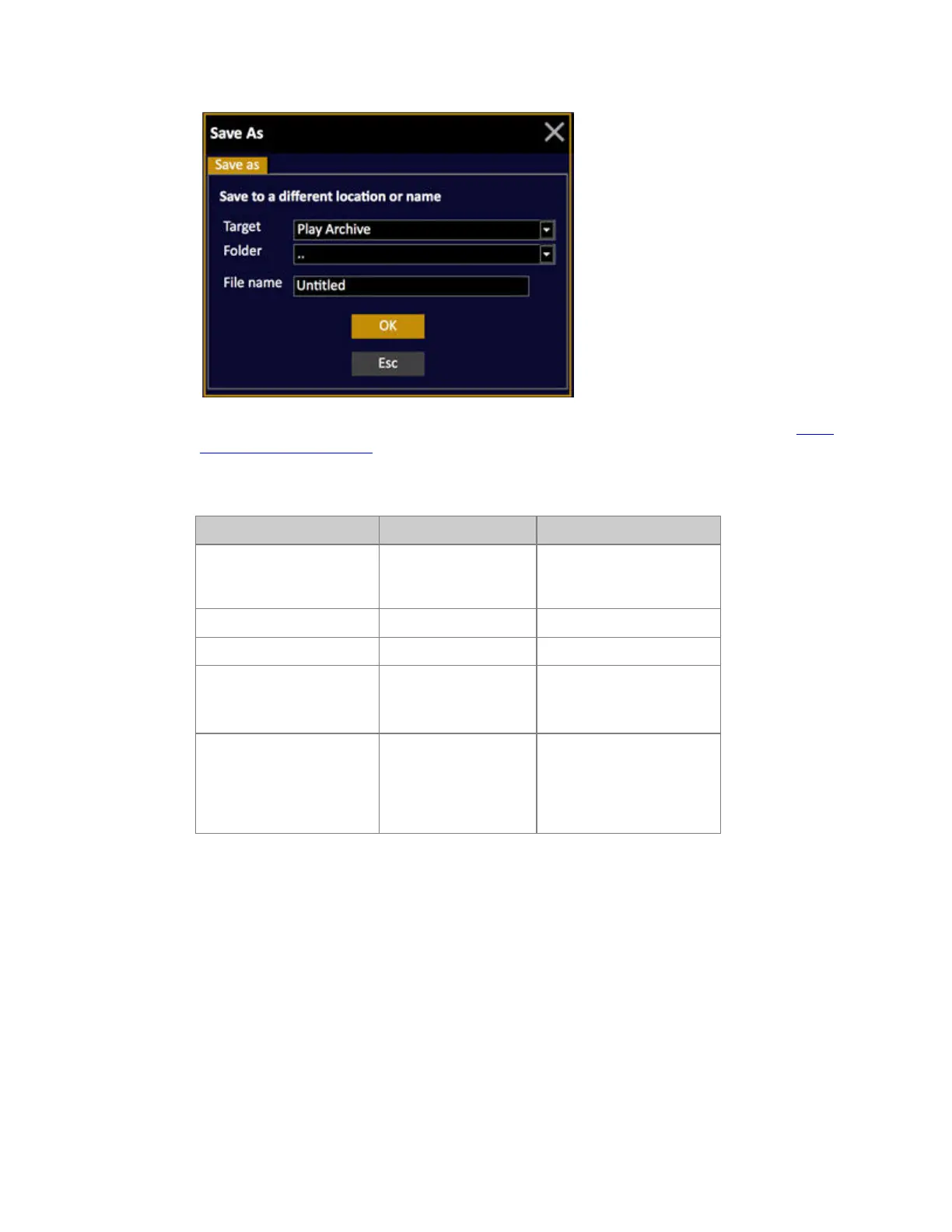
A dialogue is opened (see
below). Choose target drive
Play Archive (Hard drive in
console), USB (if inserted)
or Floppy (if connected).



 To Next Page