Cobalt 8.1 - 20181029
150
Importing single items
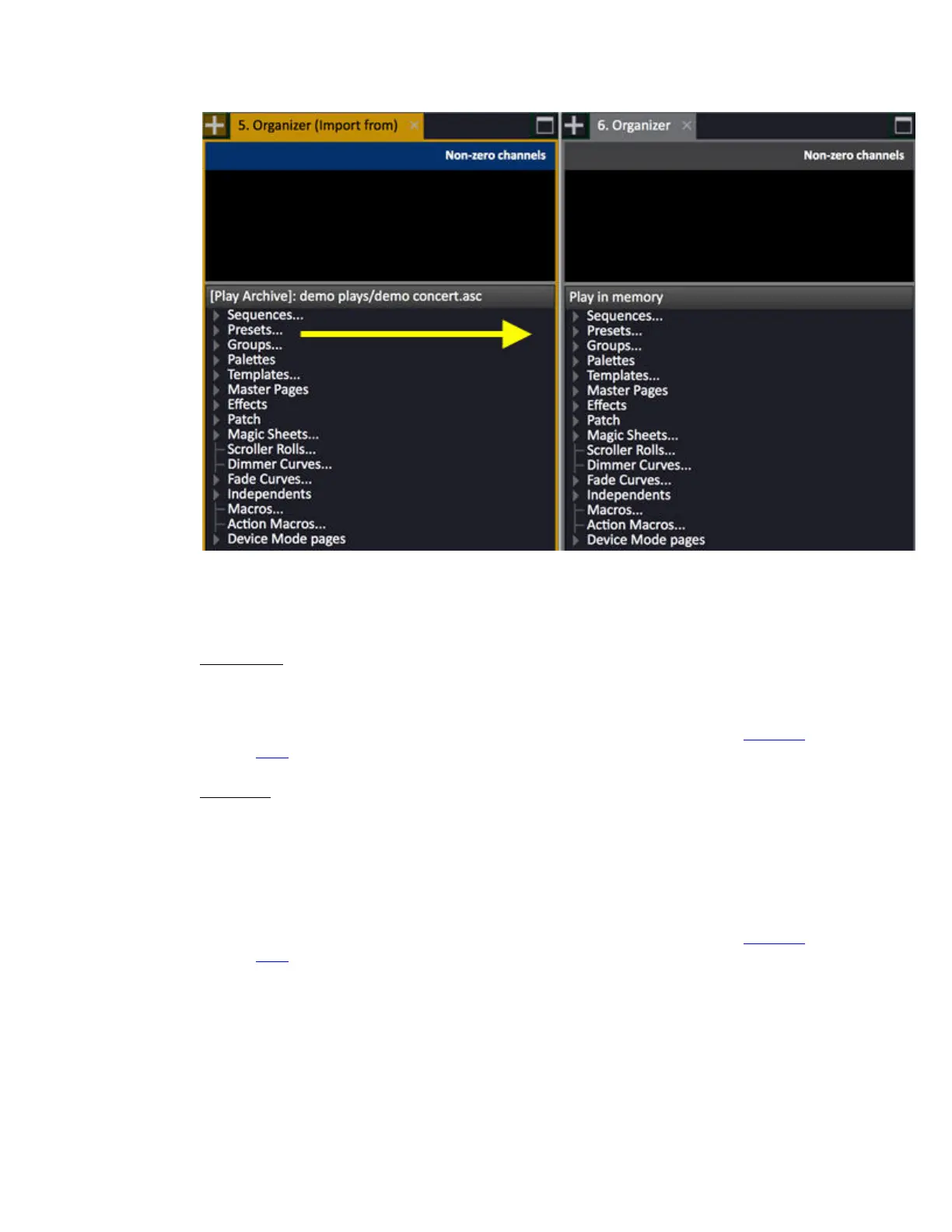
When you want to import a single item you have a choice of using drag and drop, or the copy/paste
function.
Drag & Drop
1. Click and hold on the single item you want to import in the Organizer (import from) tab.
2. Drag the item to the same position in the Organizer tab and let go.
3. Confirm what kind of action you are doing in the drag and drop dialogue. See Drag And
Drop.
Copy/Paste
1. Use the arrows to select the single item you want to import in the Organizer (import from)
tab.
2. Press COPY
3. Select the Organizer tab (TAB) and use the arrows to select the node you wish to import this
item to.
4. Press PASTE
5. Confirm what kind of action you are doing in the drag and drop dialogue. See Drag And
Drop.
Importing multiple items
When you want to import multiple items, you do it in the exact same way as when importing single
items. The difference is in how you select which items to import.
Select the top node to import all items of the same kind, like Sequence, Presets, Groups etc...



 To Next Page