Cobalt 8.1 - 20181029
251
In Cobalt UDP allows you to use the Ethernet network to:
• Receive Cobalt specific Action Macros directly from another unit, without having to first
create a trigger and event.
• Send any proprietary string of data to another unit that can receive commands over UDP
Receiving Action Macros over UDP
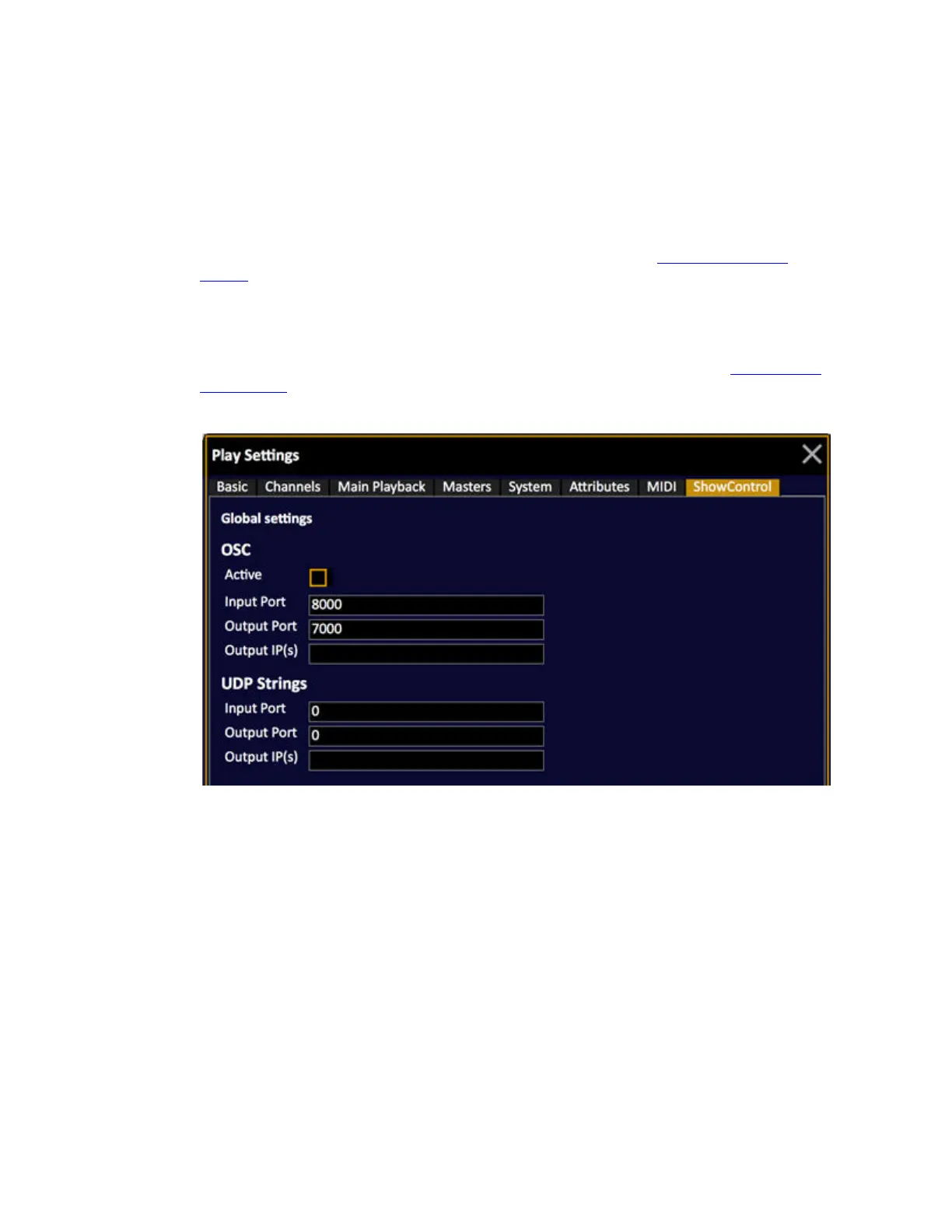
For Cobalt to receive Action Macros you need to set a receive port in the Play Settings - Show
Control (Browser >General Settings >Play Settings) and make sure that the incoming Action Macro
text strings are written by the rules for Cobalt Action Macros explained in that chapter. An incoming
Action Macro is processed the instant it is received.
Sending UDP Strings
For Cobalt to send Action Macros a send port and IP address have to be set up in the Play Settings -
Show Control (Browser >General Settings >Play Settings) and the the text string you send needs to be
written according to the specifications of the receiving device.



 To Next Page