Cobalt 8.1 - 20181029
268
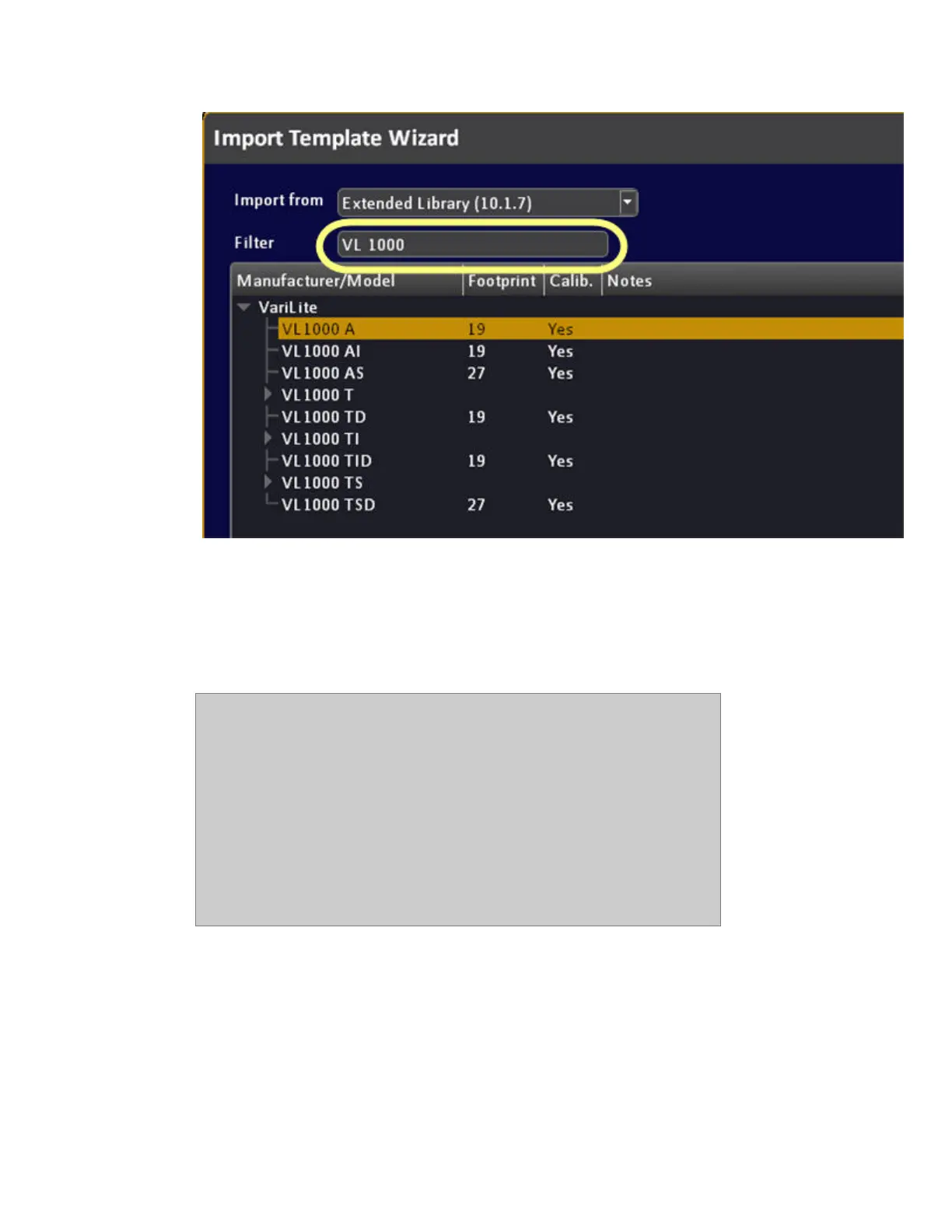
Devices with calibrated color data are indicated - this means they will be possible to use with the Gel
Picker and calibrated Color Picker even if they have more than three color emitters.
It is possible to select the tree view when focused by pressing MODIFY (similar to how we enter a
text field). You can then navigate inside the tree view with the arrow keys. Leave the tree view by
pressing MODIFY again.
NOTE
Standard or Extended Library?
There are two default libraries of templates - standard (smaller) and
extended (larger) - both are accessed from the Import Template Wizard. We
recommend that you first check the extended library (default).
The standard library is the one that's been in Cobalt from the start. All
templates are hand-made. The Extended library is data we get from the
Carallon subscription service and is made by crunching a lot of data. The
templates are as good as Carallon (with some work from ETC) can make
them, but they have not all been tested with real lights or adjusted.



 To Next Page