Cobalt 8.1 - 20181029
665
2. Enter a number, hold RECORD and press MASK (with no preceding number the next free
Mask is recorded)
To recall a user Mask:
1. Enter a number and press MASK or
2. Press a Direct Select for this Mask.
To load a user Mask to a master:
1. Enter the number, hold MASK and press the Master key.
- This will load this mask as a playback mask for the content of this master.
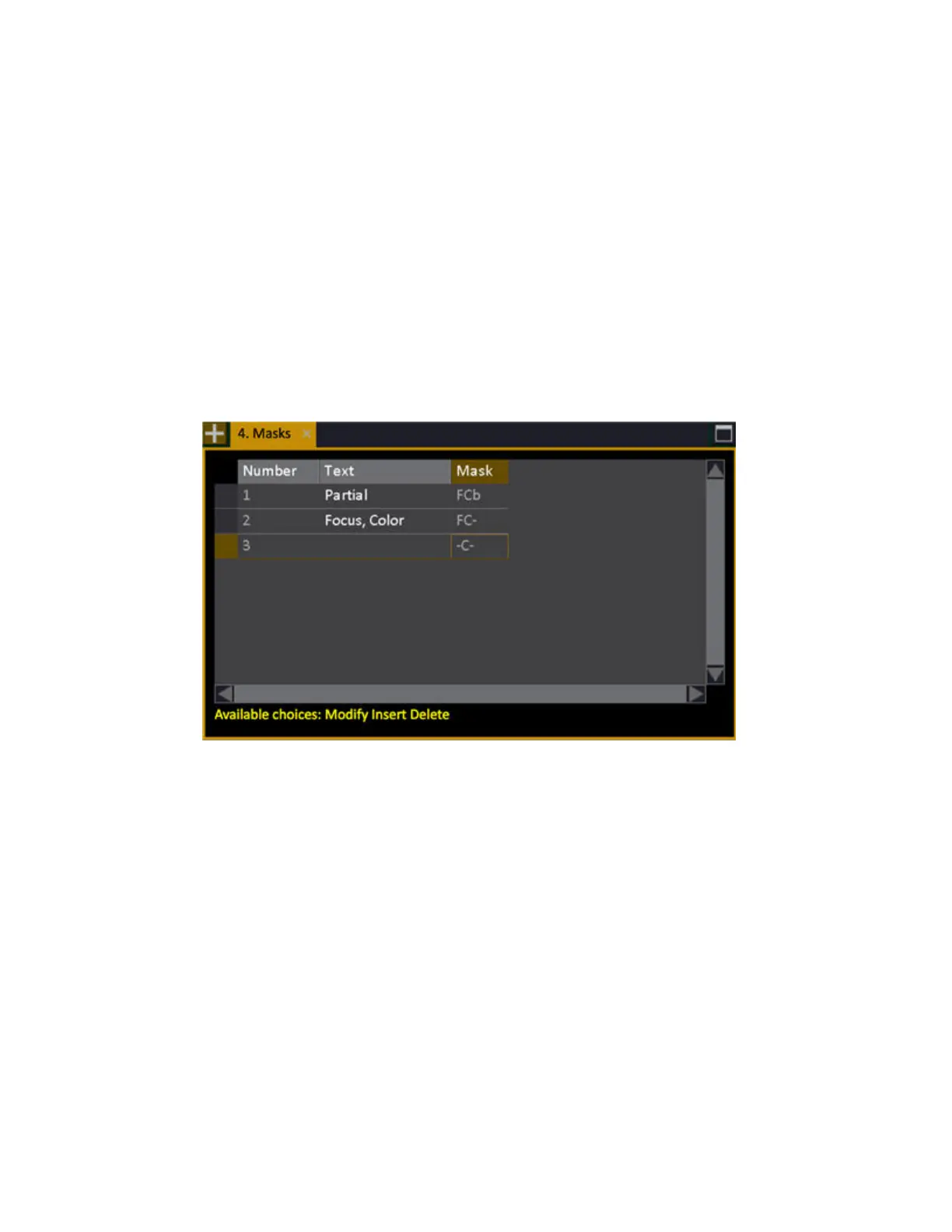
You can use # INSERT and DELETE to add or remove masks from this list, and you can edit them by
pressing MODIFY in the Mask cell - which will open the Mask Editor for that Mask.



 To Next Page