Cobalt 8.1 - 20181029
703
effect (series). Actions are defined using steps that can contain palettes, presets or parameters. Content
effects can switch channel lists and/or series of steps independently and can be run in three different
modes to change how the channel lists and steps interact with each other.
Content effects can be run in three different modes to change how the channel source and Series
interact with each other.
• Break
• Continuous
• Build
See Content Effect Modes
.
Components
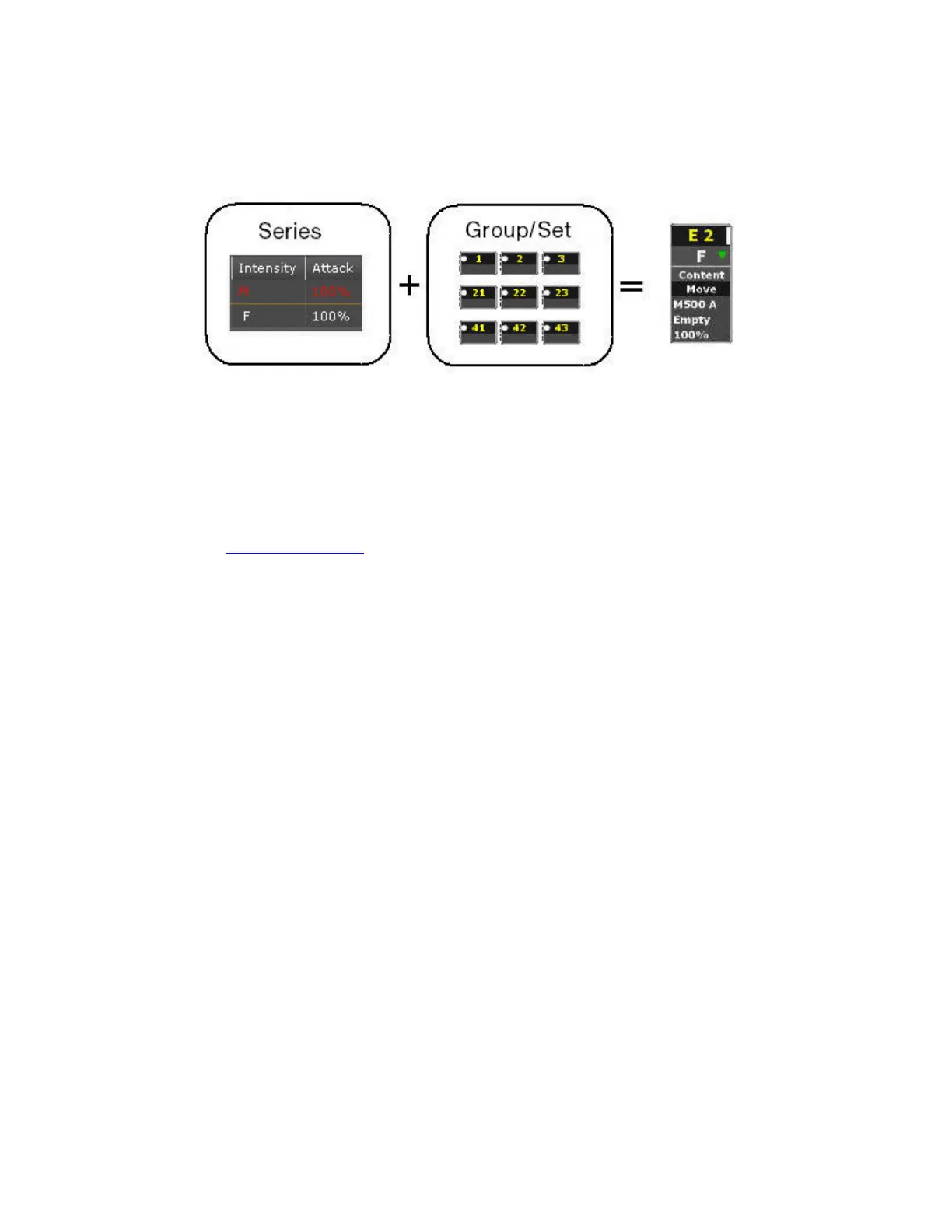
To start a Content effect you need
• A channel source (a Group or Channel Set)
• A Series
• An Effect Playback
Playback
• All parameters can be controlled live, similar to how a device is controlled
• The effect is applied to any predefined set or group of channels.
• The effect will run as soon as the effect playback intensity is over zero.
• The intensities will contribute to the Live output on a HTP basis.
• Attributes will replay on an LTP basis with the rest of the playbacks.
Live Parameters
• Change channels (set/group)
• Change distribution of groups (parts, symmetrical, interlaced, random)
• Change Part direction (forward, reverse)
• Change Play mode (Stop, Pause, Play forward, Random etc)
• Change Mode (Continuous, Break, Build)
• Change Rate plus times (attack, release, step, etc)
• Change Rate with the wheel or with tap



 To Next Page