Cobalt 8.1 - 20181029
78
Tabs (8.0)
Press TAB to select and step through all open tabs in all screens.
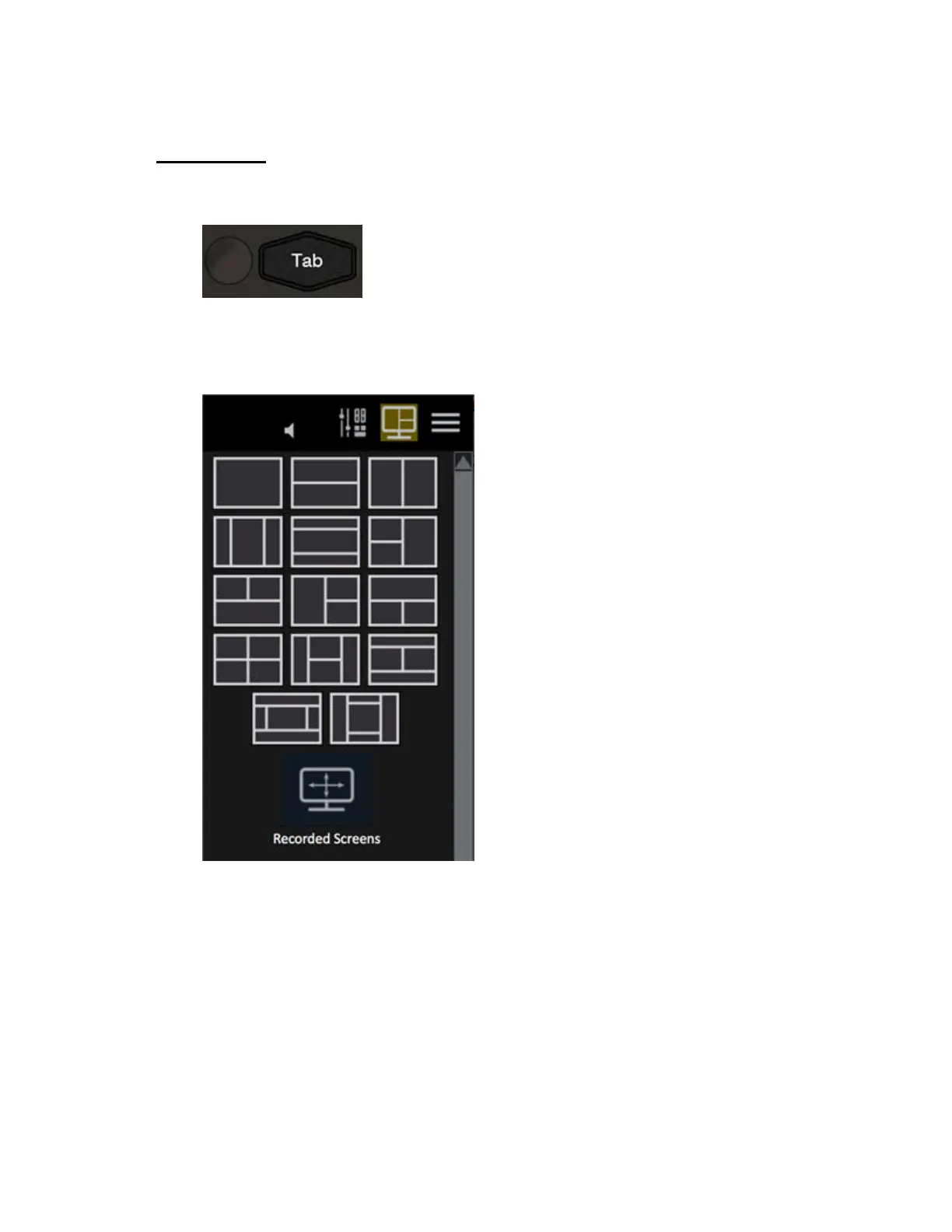
All data and editors are opened in a tab. Tabs are opened in the currently selected screen section. You
can split a screen into different sections from the screen section function in the top right corner of a
screen. Two tabs are default locked from being closed: LIVE and MAIN PLAYBACK.
When you press the "+" sign in the top left corner of every screen section you will get the Tab
Selector.



 To Next Page