Cobalt 8.1 - 20181029
91
can see in the images above, the selected device cannot create colors at the very edges of the color
wheel. The color wheel is showing its concept of “full saturation” for all colors. If a device cannot
create that saturation level of a color, the adjustment handles will stop at the maximum saturation that
light can create. The maximum saturation level may be different depending on the other colors in the
mix.
Also, it is possible that devices may be able to create colors using raw controls that the generalized
HueSaturation system won’t allow. If you want to control the raw parameters of the fixtures, please
use the Color tab instead.
THE GEL PICKER
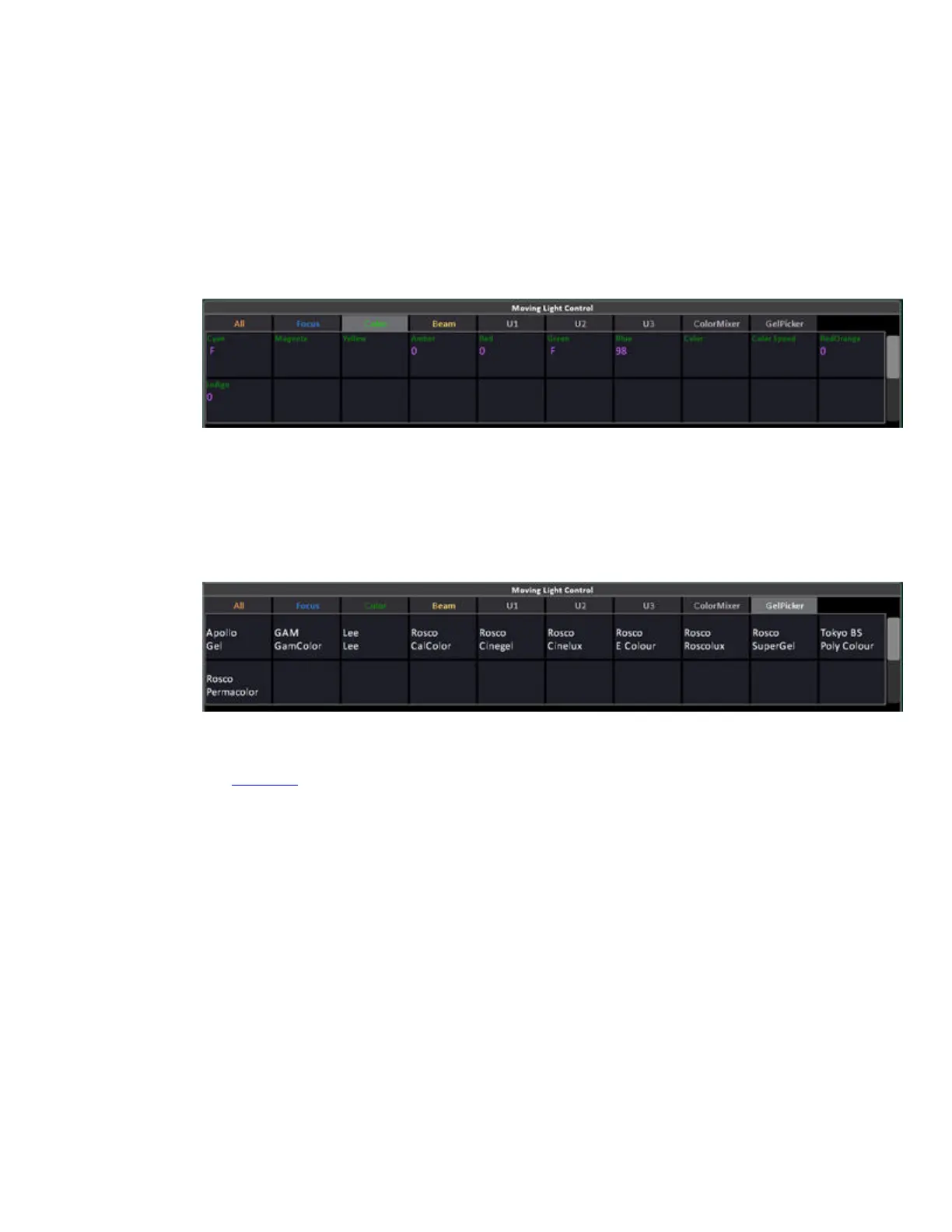
The GelPicker tab includes buttons that correspond to the color filter manufacturers in the Cobalt
library. To use this tab, simply type the number of the color filter you want and then press the
manufacturer button to apply it.
There is also a GelPicker tab in the Browser (Browser>Devices) that includes all manufacturers/gel
numbers in one spreadsheet view with a color chip for each color.
(See Gel Picker
)



 To Next Page