iPECS eMG80 & eMG800 & UCP
Administration and Programming Manual Issue 1.6
115
3.3.6.6 DISA COS – PGM 166
A DISA user is subject to the dialing restrictions assigned in the DISA Class-of-Service (COS).
The restrictions applied are the same as with the corresponding Station COS levels 1~11 and
interact with the CO COS in the same manner. Assignments for DISA COS are made for the Day,
Timed and Night mode of system operation. The default for all three DISA COS modes is 1, no
restrictions.
PROCEDURE:
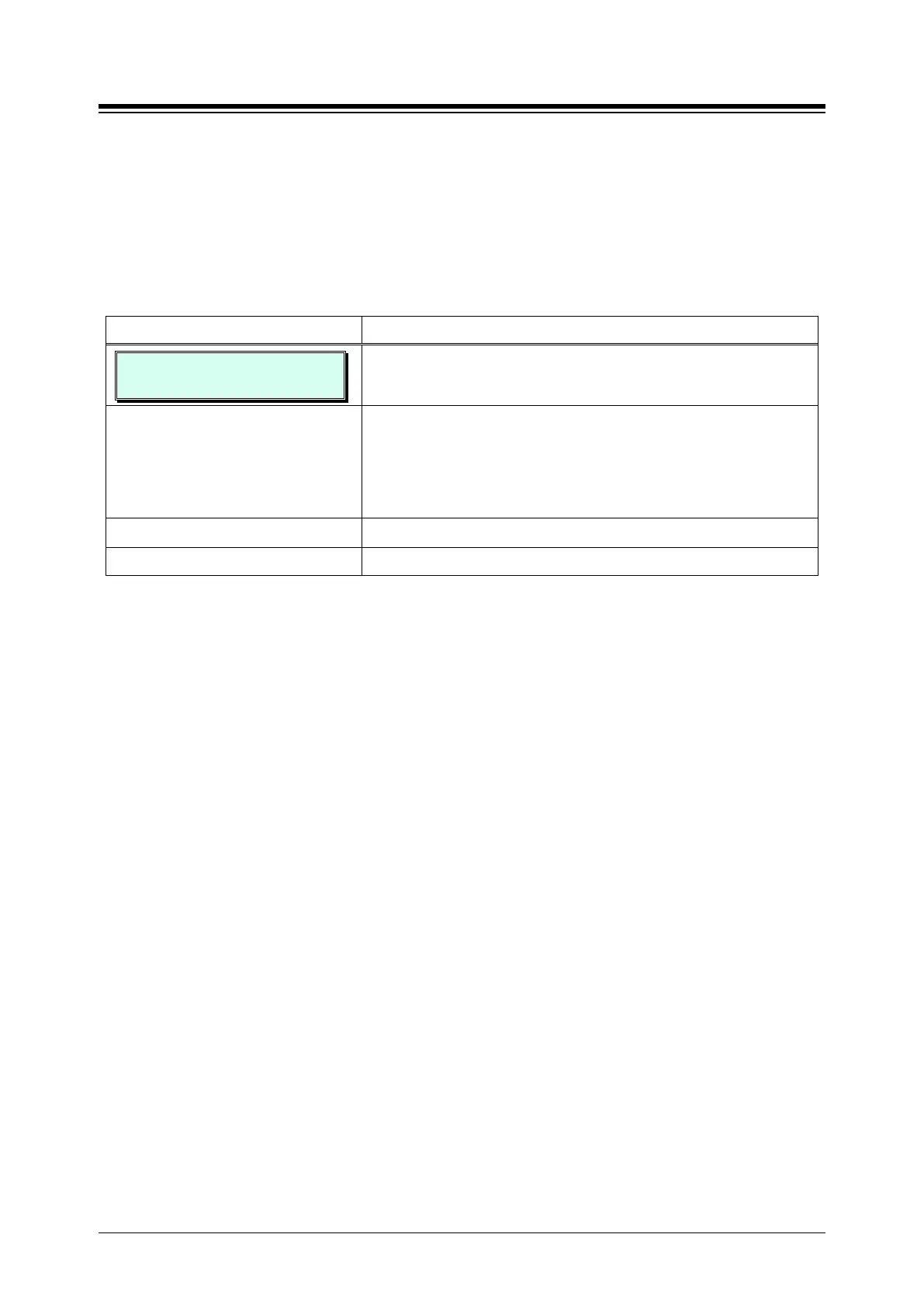
DISA COS (1 – 11)
DAY: 07 NIGHT: 07 TIMED:07
1. Press the [PGM] button and dial 166.
Select the desired button;
Button 1: Day mode COS
Button 2: Night mode COS
Use the dial-pad to enter desired DISA COS (1~11).
Press the [Save] button to store the DISA COS data entry.





 To Next Page