iPECS eMG80 & eMG800 & UCP
Administration and Programming Manual Issue 1.6
124
3.3.6.14 RS-232 Port Settings – PGM 174
The system has an RS–232 serial port located on the MPB; refer to the iPECS eMG Hardware
Description and Installation Manual. Certain characteristics of each port are programmable:
baud rate, RS–232 control, and page settings. Refer to Table 3.3.6.14-1 for a description of the
settings, the data entries required and LCD displays.
PROCEDURE:
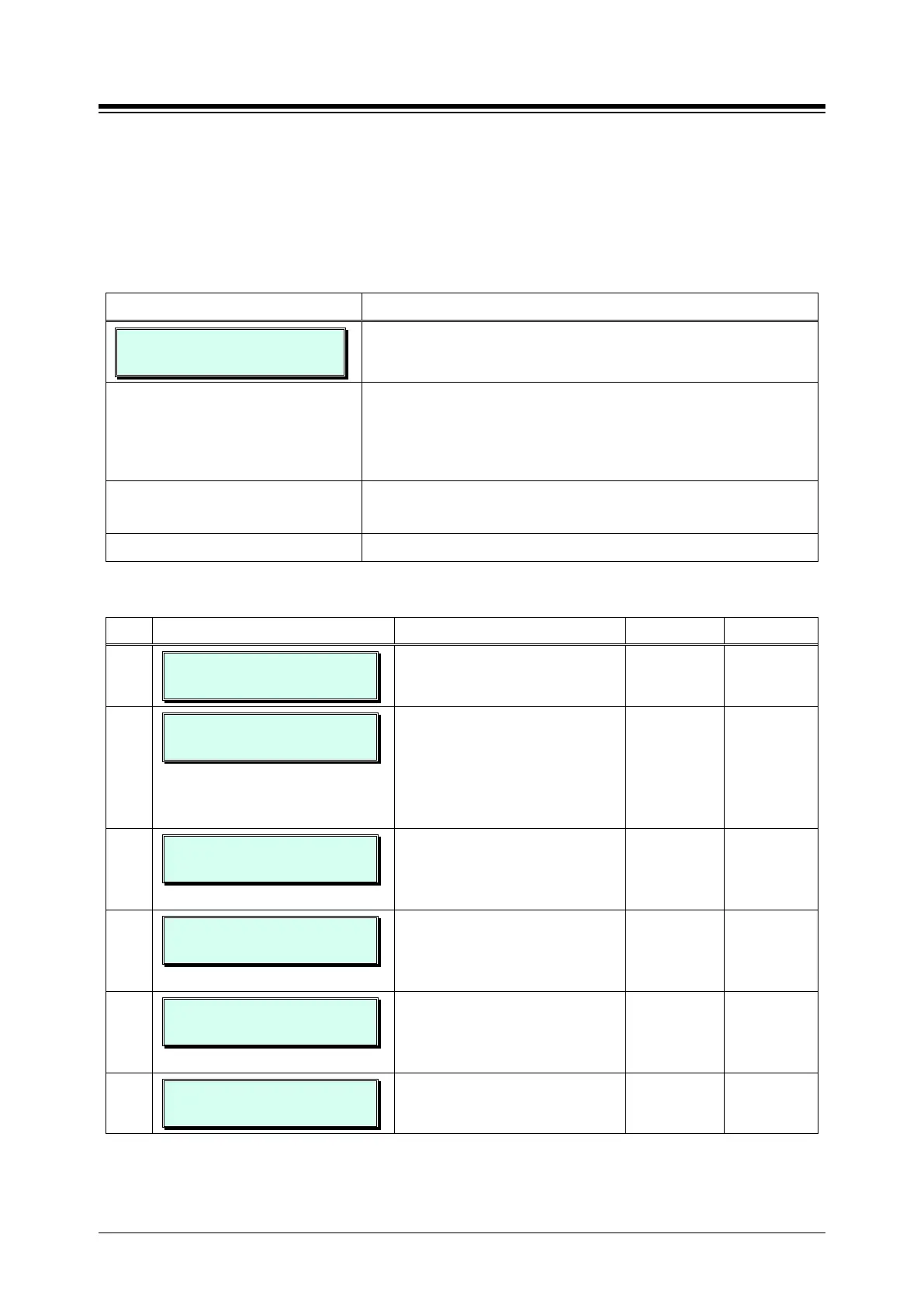
RS232 PORT SETTING
PRESS FLEX KEY (1-3)
1. Press the [PGM] button and dial 174.
Press Flex button 1 for Serial port 1 or Flex button 2 for USB
COM1 port or Flex button 3 for USB COM2 port, then select
a Flex button for the desired attribute (e.g. Flex button 1),
refer to Table 3.3.6.14-1.
Use the dial-pad to enter the desired Port data, refer to
Table 3.3.6.14-1.
Press the [Save] button to store the Port Data entry.
Table 3.3.6.14-1 RS–232 PORT SETTINGS (PGM 174)
BTN ATTRIBUTE/DISPLAY DESCRIPTION RANGE DEFAULT
1
SERIAL1 PORT SETTING
PRESS (F1-F5)
Select a Flex button for the desired
attribute.
F1-F5
1-1
SERIAL1 BAUD RATE
BAUDRATE: 115200
This entry establishes the BAUD
rate for the RS-232 serial port.
1: Unused
2: 9600
3: 19200
4: 38400
5: 57600
115200
1-2
SERIAL1 CTS/RTS
(1:ON/0:OFF):OFF
The system’s RS-232 port can
support Clear-to-Send (CTS) and
Ready-to-Send (RTS), control
leads.
0: OFF
1: ON
OFF
1-3
SERIAL1 PAGE BREAK
(1:ON/0:OFF):OFF
The system can send a page break
command over the serial port at the
end of each page. See button 4 for
0: OFF
1: ON
OFF
1-4
SERIAL1 LINE PAGE
(001-199) : 066
This entry is used to set the page
length, the number of lines the
system will send before sending the
page break, see button 3 above.
001~199 66
1-5
SERIAL 1 XON/XOFF
(1:ON /0:OFF):XOFF
This entry enables XON/XOFF
protocol. (It is not supported)
0: OFF
1: ON
XOFF





 To Next Page