iPECS eMG80 & eMG800 & UCP
Administration and Programming Manual Issue 1.6
583
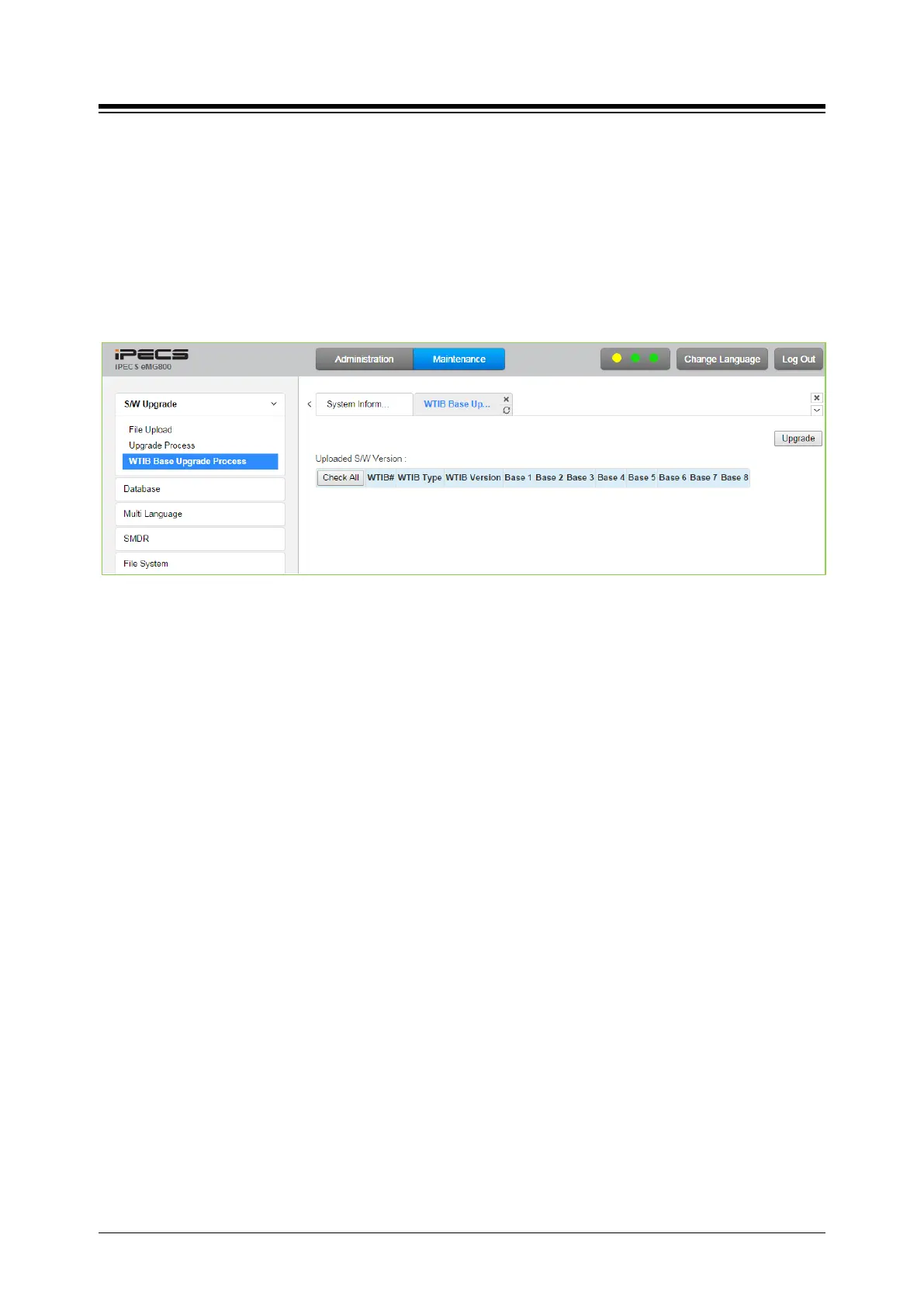
4.5.1.4 WTIB Base upgrade Process for eMG800
Upgrade WTIB base image of eMG800.
1. Upload WTIB base image to MPB.
2. Select target base & Upgrade.
3. Wait until upgrade process completes.
4. Automatically restart when upgrade completes successfully.
Figure 4.5.1.4 WTIB Base Upgrade Process





 To Next Page