iPECS eMG80 & eMG800 & UCP
Administration and Programming Manual Issue 1.6
209
3.3.13 GREEN MODE
The system can disable the power of a Digital Phone or SLT (Single Line Telephone) installed in
the system at night or during holiday mode. The power On/Off can be controlled by Web Admin
manually or automatically according to the assigned power On/Off time.
3.3.13.1 Green mode activation – PGM 500
It is applied for SLIB, DSIB and HYIB. Regarding the exact board related to terminal, refer to
iPECS eMG Hardware Description and Installation Manual.
PROCEDURE:
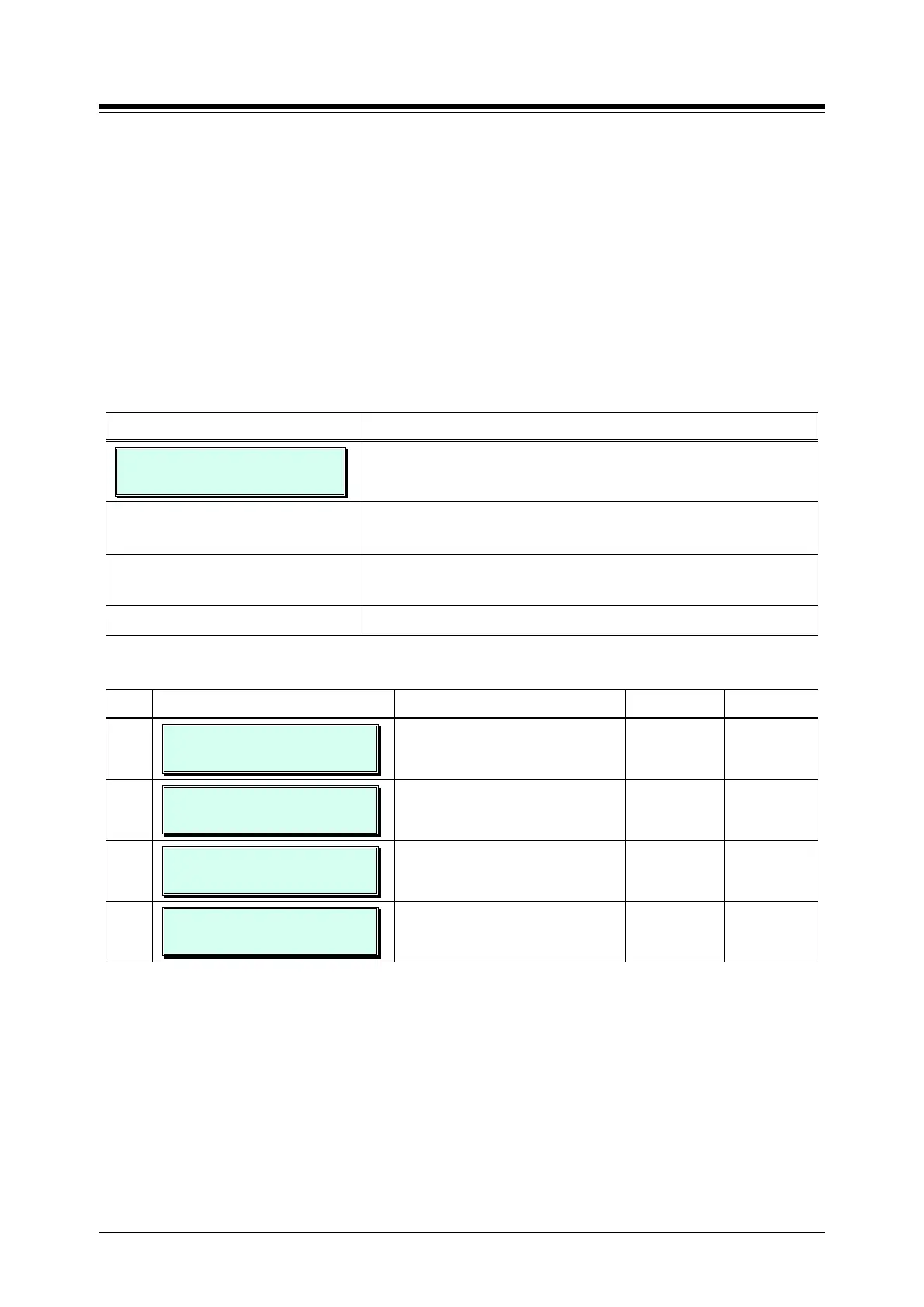
GREEN MODE ACTIVATION
PRESS FLEX KEY (1-4)
1. Press the [PGM] button and dial 500.
Press the Flex button, 1 ~ 4, for the desired setting, refer to
Use the dial pad to enter the required data, refer to Table
3.3.13.1-1.
Press the [Save] button to save any changes.
Table 3.3.13.1-1 GREEN MODE ACTIVATION (PGM 500)
BTN ATTRIBUTE/DISPLAY DESCRIPTION RANGE DEFAULT
1
POWER SAVE USAGE
(1:EN/0:DIS) : DISABLE
Enable or Disable power usage. 0: Disable
1: Enable
DISABLE
2
POWER ON/OFF
(1:ON/0:OFF) : ON
Power ON/OFF manually all of
stations in Power Save used board.
0: OFF
1: ON
ON
3
POWER SAVE MODE
PRESS SLOT BTN (F1-F6)
Enables or Disables Power Save
Usage Mode of each board.
Flex button1-6
4
POWER CURRENT STATE
CHECK SLOT BTN (F1-F6)
Displays the current status of board
power ON/OFF.
Flex button1-6





 To Next Page