iPECS eMG80 & eMG800 & UCP
Administration and Programming Manual Issue 1.6
237
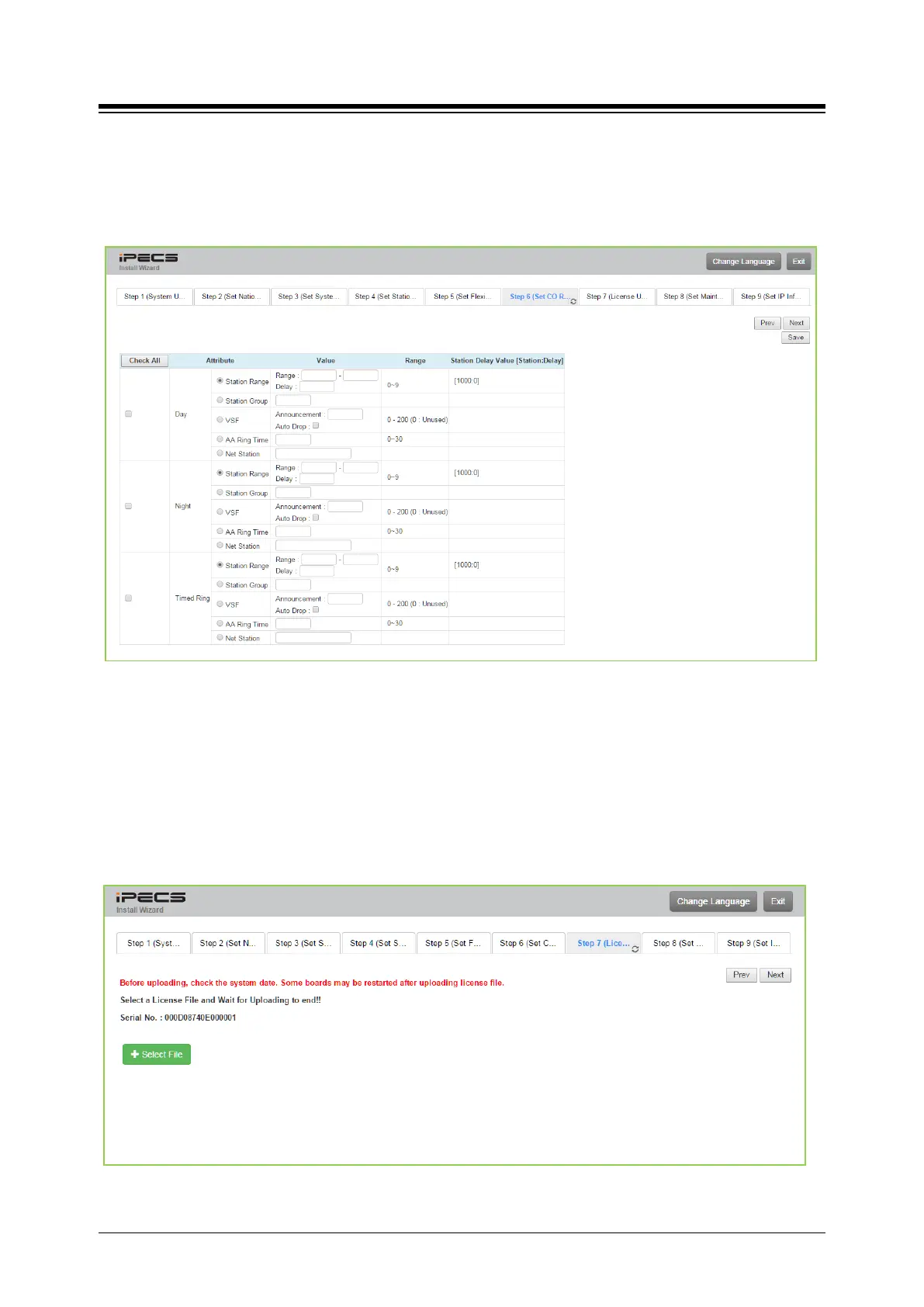
4.3.5.6 Set CO Ring Assignment
CO Ring Assignment establishes how the system will route incoming calls. The wizard
assignments cover all CO/IP Lines in the system and the Ring assignments for Day, Night and
Timed Ring modes can be established.
Figure 4.3.5.6-1 Set CO Ring Assignment
4.3.5.7 Set License Upload
Before License upload, make sure that the date of system is set correctly. Click [Select files]
button and then open the pop-up folder. Select a valid license file to upload to the system and
click the [Start] button. If the file which is sent to the system is “System License File”, it will be
saved and automatically applied without restart. The enabled features by uploading license file
can be shown in “System Overview” page.
Figure 4.3.5.7-1 Set License Upload





 To Next Page