iPECS eMG80 & eMG800 & UCP
Administration and Programming Manual Issue 1.6
570
4.4.18.2 Green Mode Time Setting
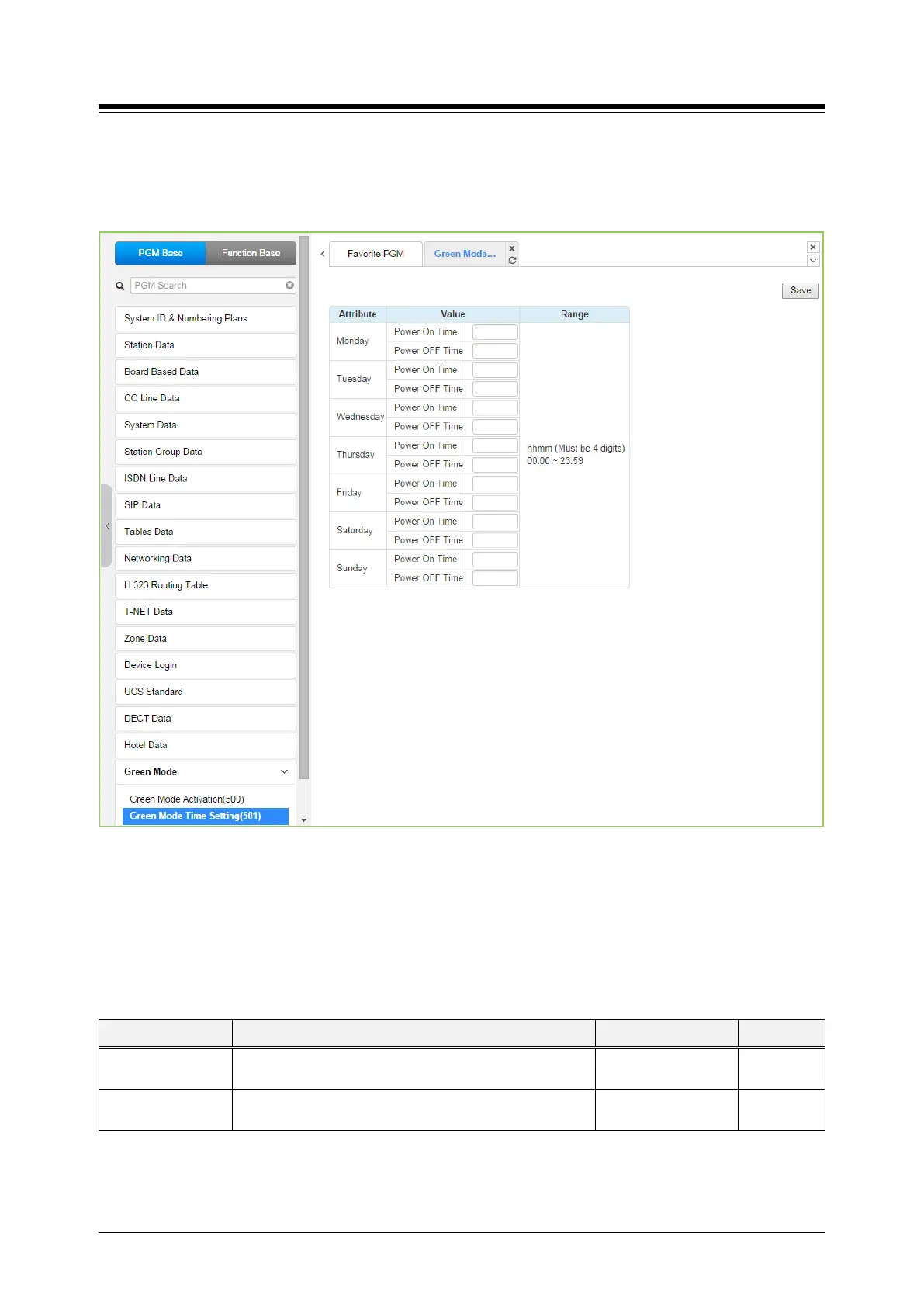
Selecting the Green Mode Time Setting returns the page shown. Click [Save] button after
changing Value.
Figure 4.4.18.2-1 Green Mode Time Setting
The power ON/OFF time can be assigned to control Green Mode automatically. The power
ON/OFF time can be defined at each day in a week. And when defined that time, power to assign
board will be served or not.
Table 4.4.18.2-1 Green Mode Time Setting
ATTRIBUTE DESCRIPTION RANGE DEFAULT
Power ON Time The time to start power supply to assigned board.
hhmm
Power OFF Time The time to stop power supply to assigned board.
hhmm





 To Next Page