iPECS eMG80 & eMG800 & UCP
Administration and Programming Manual Issue 1.6
123
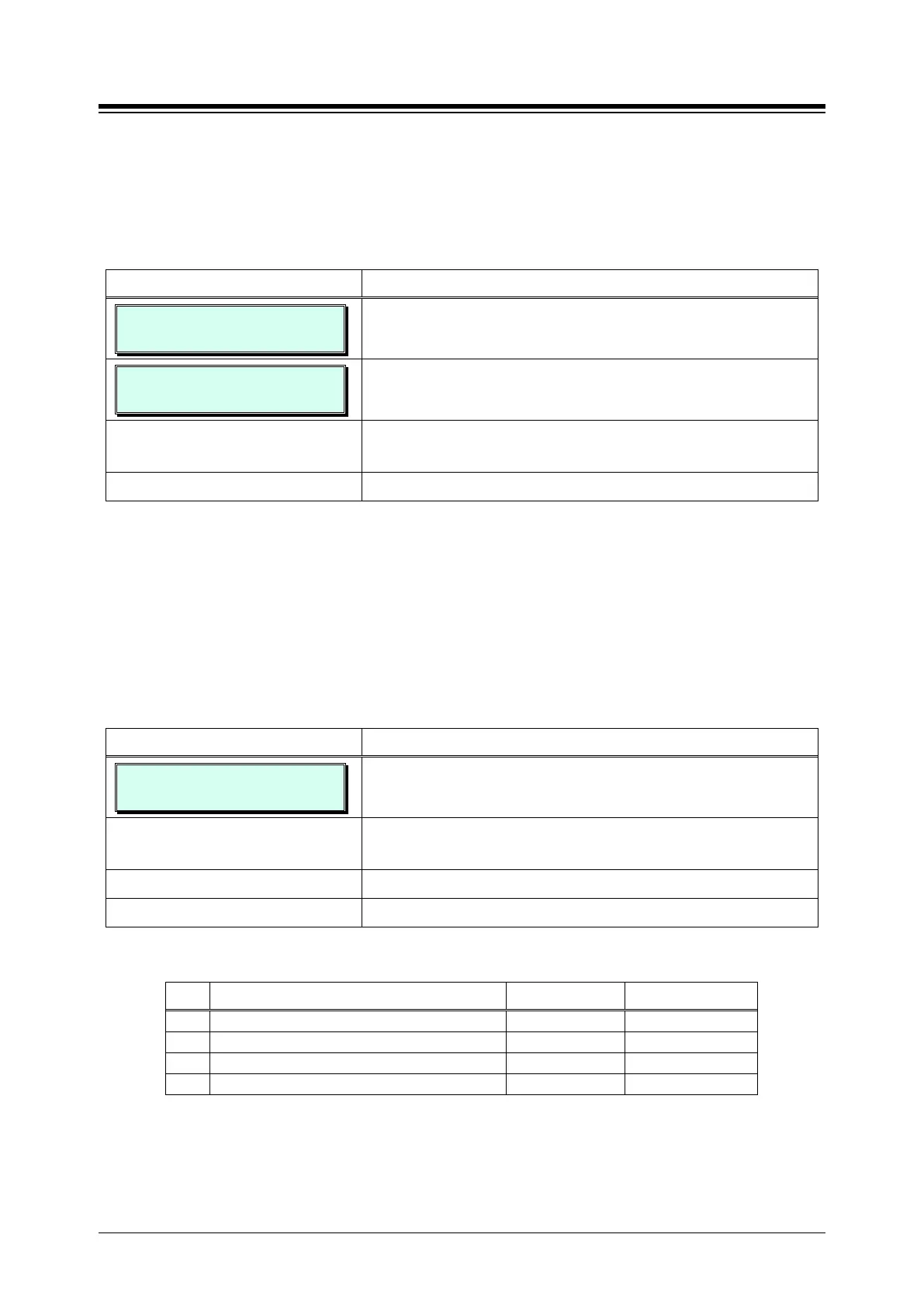
3.3.6.12 PABX Access Codes – PGM 172
When the system is used “behind” a PBX/CTX, the system needs to recognize the PBX/CTX
Trunk access codes to implement dialing restriction, tone detection sequences and Flash timing.
A maximum of four (4) Trunk Access Codes of one (1) or two (2) digits can be entered.
PROCEDURE:
PABX ACCESS CODE
PRESS FLEX KEY (1-4)
1. Press the [PGM] button and dial 172.
PABX ACCESS CODE 1
..
Select the Flex button for the desired Access Code (button
1~4).
Use the dial-pad to enter the PABX Trunk Access Code, two
(2) digits 0~9, Use “*” as a wild card (any digit) entry.
Press the [Save] button to store the access code data entry.
3.3.6.13 Ringing Line Preference Priority – PGM 173
When multiple calls are ringing at a station assigned Ringing Line Preference, the order of
preference can be assigned based on the type of call; CO/IP Transfer (XFR), CO/IP Recall (REC),
Incoming call (INC), or CO/IP Queue (QUE). ICM calls are always assigned the lowest priority.
PROCEDURE:
XFR REC INC QUE
1 2 3 4
1. Press the [PGM] button and dial 173.
Select the Flex button for the desired Call Type; refer to
Table 3.3.6.13-1.
Use the dial-pad to enter the priority 1~4.
Press the
button to store the RLP Priority data entry.
Table 3.3.6.13-1 RLP PRIORITY (PGM 173)
BTN DESCRIPTION RANGE DEFAULT
1
2
3
4




 To Next Page